Uber Eats Multiple Orders: Plan the Best Route 2026

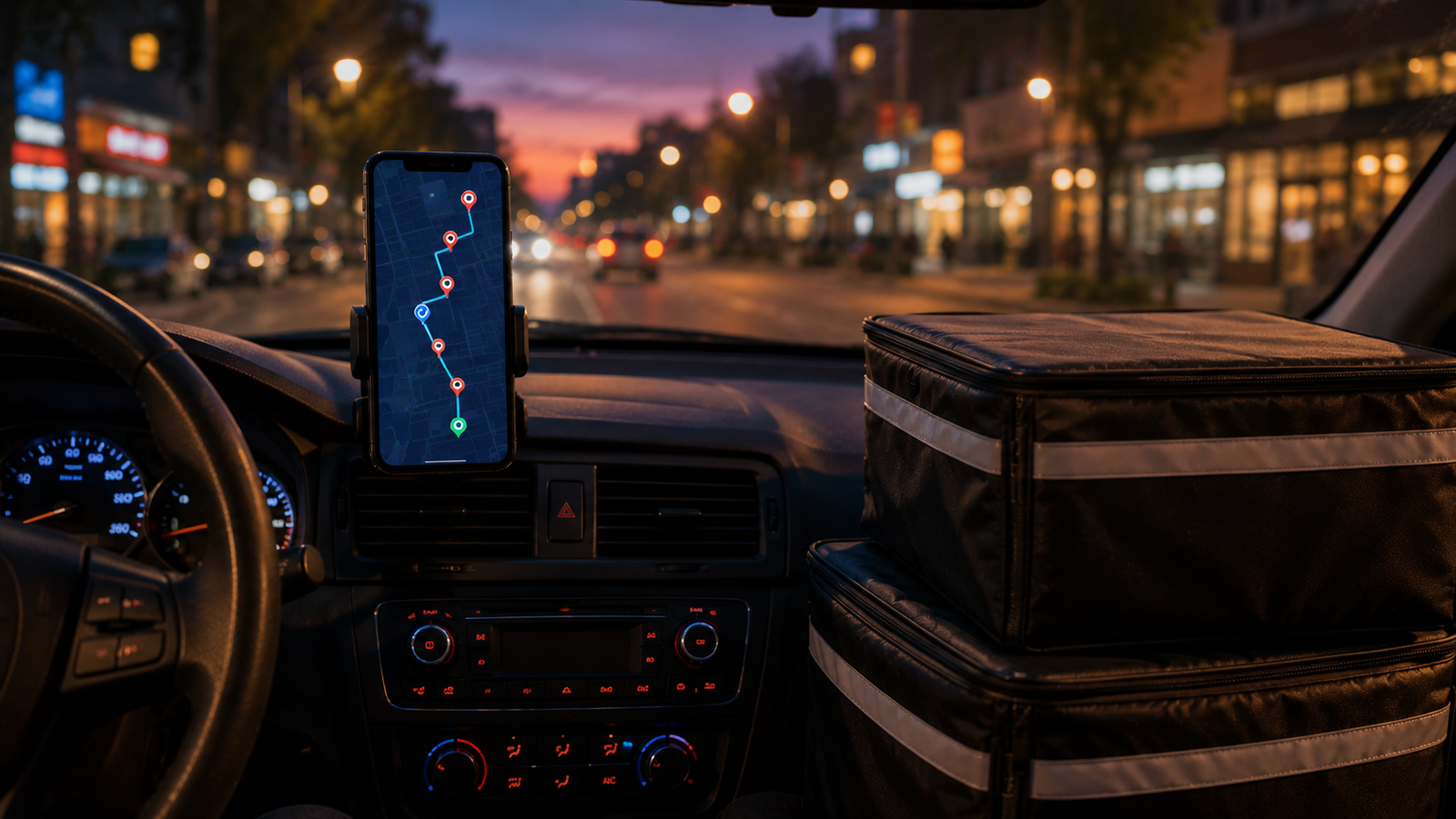
Uber Eats Multiple Orders: How to Plan the Best Route (2026)
When Uber Eats hands you multiple orders at once — a batched trip — the route you choose is the difference between a smooth, profitable hour and a stressful one with cold food and unhappy customers. Uber gives you a suggested sequence, but it doesn't always reflect what's actually fastest on the ground. So what's the best route for multiple Uber Eats orders?
The short version: deliver in one logical direction, cluster nearby drop-offs together, and mind which food is most temperature-sensitive. This guide breaks down how Uber Eats batches orders, how to plan the best route through them, what the new 2026 tip guarantee changes for drivers, and when a dedicated route planner is worth using. Current for 2026.
Running several orders at once?
When you're handling three or more drop-offs — or multi-apping Uber Eats with DoorDash and Spark — Delivery Route Planner finds the fastest sequence for all of them and navigates each one in Apple Maps, Google Maps, or Waze.
How Uber Eats batches multiple orders
Uber Eats gives you multiple orders in one of two ways: you pick up several orders from the same restaurant, or you pick up from different restaurants on the same trip. Your fare is built from the pickups, time, distance, and drop-offs involved, and multi-restaurant trips can include a multiplier depending on the distance between restaurants. More orders can mean more money per hour — but only if you don't waste that gain on a badly sequenced route.
The catch is the same one every delivery platform shares: the app sequences orders broadly and can pair drop-offs that head in different directions. That's where planning your own best route, or using a route optimizer, pays off.
Does Uber Eats show you the best route?
Uber Eats gives you a suggested order and turn-by-turn directions, so you're never flying blind. But "suggested" isn't always "best." The app doesn't know that one drop-off is up a slow apartment elevator, or that hitting a certain customer first lets you flow cleanly toward the rest instead of doubling back. You're free to deliver in the order that makes the most sense — and for larger batches, a planner takes that judgment off your plate entirely.
How to plan the best route for multiple Uber Eats orders
Sequence your batched orders using these factors, in roughly this priority:
1. Direction first
The golden rule: never deliver in the opposite direction. Pick the drop-off that lets you move in one consistent line and work outward. The worst batched routes cross back over themselves; the best ones flow one way. Eliminating that backtracking is the core job of a route optimizer.
2. Cluster nearby drop-offs
If two customers are close together, deliver them back to back. Don't drop one, drive off, and circle back to the same area later for the other — that's wasted time and fuel.
3. Protect temperature-sensitive food
The order picked up first has been sitting longest. If one delivery is especially heat- or cold-sensitive, lean toward it earlier — as long as it doesn't force a wrong-direction detour.
4. Watch the estimated times
Uber shows estimated delivery windows. If one order is running tight, weigh prioritizing it against the direction rule so you protect your ratings without crossing town.
What the 2026 tip guarantee changes
Here's an important update for Uber Eats drivers. For years, the big fear with batched orders was tip baiting — a customer setting a high tip to attract a driver, then cutting it after delivery within the one-hour edit window. In 2026, that risk is largely covered in most of the US.
Tip guarantee (2026): Uber rolled out a tip guarantee across the US (except Seattle). On trips showing a "guaranteed" badge, the total you see — including the tip — is what you keep, even if the customer lowers their tip afterward. Customers can still edit tips for up to an hour after delivery, but on guaranteed trips Uber covers any reduction.
What this means for routing: the pressure to rush one order out the door purely to "lock in" a tip before it's cut is reduced on guaranteed trips. Your sequencing decision can focus on what actually matters — an efficient route, on-time deliveries, good ratings, and protecting food quality. Delivering smart still pays; you just have a bit more breathing room. A clean optimized route helps you keep ratings high without the panic.
Best-route cheat sheet
| Factor | Deliver that order first if… |
|---|---|
| Direction | Its drop-off keeps you moving one way |
| Proximity | It clusters with your next drop-off |
| Food temperature | It's heat/cold-sensitive and picked up first |
| Estimated time | Its delivery window is the tightest |
For a clean two-order batch in the same direction, Uber's suggested order is usually fine. When the factors fight each other, direction generally wins — and when you're juggling more drops than you can hold in your head, hand it to a planner.
When a route planner actually helps
We'll be straight: for two Uber Eats orders heading the same way, you don't need extra software. A route planner earns its place in two situations:
- Three or more drop-offs. The number of possible orderings grows fast and the best route stops being obvious. Drop in the addresses and let the app solve it.
- Multi-apping. If you run Uber Eats alongside DoorDash or Spark, no single app sees your full set of active deliveries. Put every drop-off in one place and optimize them together so you never head the wrong way.
You keep accepting and confirming everything in each delivery app as usual — the planner just hands you the smartest sequence and one-tap navigation through it.
Account safety: Only use a standalone planner where you enter your own drop-offs — one that never asks for your Uber, DoorDash, or Spark login. Tools that connect to or automate your delivery accounts can get you deactivated. Bring the addresses yourself and you stay completely in the clear.
Deliver every batch in the smartest order
When you're stacked deep or multi-apping, Delivery Route Planner finds the fastest route through all your drop-offs in seconds and navigates each with your favorite maps app. Standalone and safe — no delivery-app login required.
Frequently asked questions
What's the best route for multiple Uber Eats orders?
Deliver in one consistent direction rather than doubling back, cluster nearby drop-offs together, and give temperature-sensitive food picked up first a slight edge. When these conflict, avoiding a wrong-direction detour usually saves the most time. For three or more orders, a route optimizer finds the best sequence automatically.
Does Uber Eats give you the most efficient order?
Uber Eats provides a suggested order and turn-by-turn directions, but it's a recommendation, not always the most efficient route. You can deliver in whatever sequence makes the most sense for direction, proximity, and food quality, and many drivers use a route planner for larger batches.
How does Uber Eats batch multiple orders?
Uber Eats batches orders either from the same restaurant or from different restaurants on one trip. Your fare reflects the pickups, time, distance, and drop-offs, and multi-restaurant trips may include a multiplier based on the distance between restaurants.
Can Uber Eats customers still lower the tip after delivery?
Customers can edit their tip for up to an hour after delivery. However, as of 2026 Uber rolled out a tip guarantee across the US (except Seattle): on trips with a "guaranteed" badge, you keep the tip you were shown even if the customer reduces it, because Uber covers the difference.
Do I need a route planner for Uber Eats batched orders?
Not for two orders going the same direction — Uber's suggested order is usually fine. A route planner becomes worthwhile when you have three or more drop-offs or when you're multi-apping across platforms, where the best route isn't obvious by eye.
How do I plan a route when multi-apping Uber Eats and DoorDash?
Enter all your active drop-off addresses from every app into one standalone route planner, optimize the sequence, and navigate each stop with Apple Maps, Google Maps, or Waze. You still accept and confirm orders in each delivery app as normal — the planner only handles ordering and navigation.
uber eats multiple orders best routeuber eats batched ordershow to deliver multiple uber eats ordersuber eats double order tipsbest route uber eatsmulti apping uber eats doordashuber eats tip guarantee 2026route planner for uber eats