Recommended Lux Levels for an Office, With a Chart

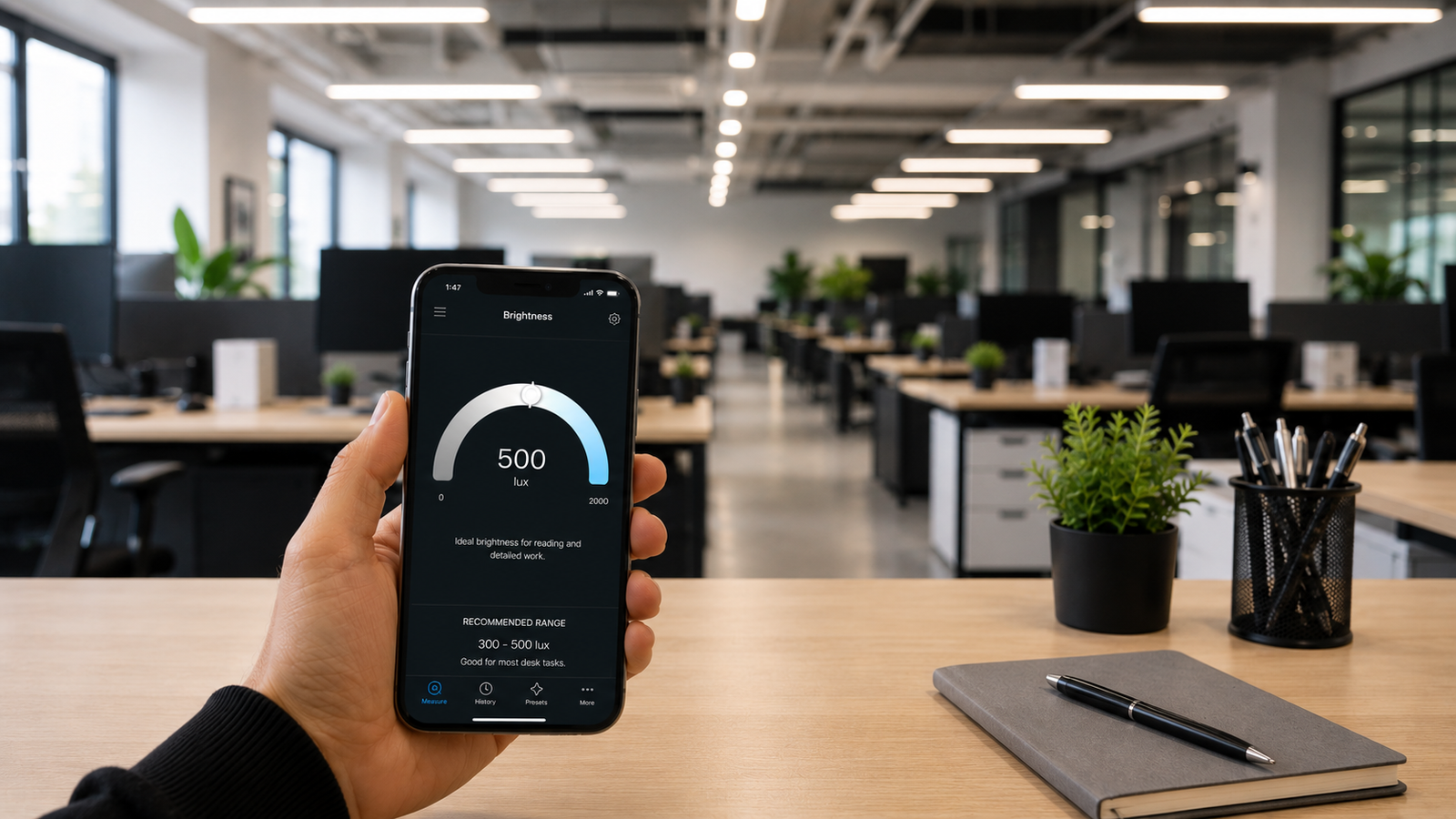
Recommended Lux Levels for an Office (With Chart)
Office lighting that's too dim leaves people squinting at screens and fading by mid-afternoon; lighting that's too harsh creates glare and headaches. The right target sits in between, and it's measured in lux — the amount of light landing on a work surface. Lighting standards bodies have studied this for decades, and the recommended levels are well established for every kind of office space.
This guide gives you a complete office lux chart, breaks down the right level for each zone from open-plan desks to corridors, and explains the two things beyond brightness that decide whether lighting actually feels good: uniformity and glare. To check your own space against these numbers, you can measure office lux with your phone in seconds.
📲 Audit your office lighting in minutes
Kelvin Light Scale reads lux straight from your iPhone, so you can walk a workspace and check every desk against the recommended level.
Why office lux levels matter
Illuminance directly affects comfort, accuracy, and fatigue. Under-lit workspaces force the eyes to work harder, which shows up as strain and lower focus by the end of the day. Over-lit spaces waste energy and produce glare, especially off monitors. Lighting standards such as the European EN 12464-1 and the guidance from the Illuminating Engineering Society (IES) set recommended maintained illuminance for each task precisely so designers can avoid both extremes. Knowing the target lets you check whether your space hits it — and you can verify any desk against the chart below.
Office lux chart
Here are the widely recommended illuminance levels for common office spaces, in lux and their approximate foot-candle equivalents.
| Office area / task | Recommended lux | Approx. foot-candles |
|---|---|---|
| General open-plan workspace | 300–500 lux | ~30–50 fc |
| Desk work: reading, writing, typing | 500 lux | ~50 fc |
| Detailed or technical work (drafting) | 750–1,000 lux | ~75–100 fc |
| Conference / meeting rooms | 300–500 lux | ~30–50 fc |
| Reception / lobby | 200–300 lux | ~20–30 fc |
| Filing, copying, archive areas | 300 lux | ~30 fc |
| Corridors and stairwells | 100–150 lux | ~10–15 fc |
| Break rooms / kitchens | 200–300 lux | ~20–30 fc |
If you want a single number to remember, most general office work targets 500 lux at the desk. You can measure any workstation and compare it directly.
Breaking down the key zones
General workspace and desks. Open-plan areas and individual desks are the heart of the office and want 300–500 lux, with 500 lux the standard target for reading, writing, and typing. Computer-heavy work sits comfortably at the lower-to-middle of that range, since very high levels increase screen glare.
Detailed and technical work. Tasks involving fine detail — technical drawing, inspection, precise assembly — need substantially more, often 750–1,000 lux, usually delivered with task lighting on top of general ambient light. Measuring the actual surface is the only way to confirm it, which you can do with a quick reading.
Conference and reception. Meeting rooms work well at 300–500 lux but benefit from dimming control for presentations and video calls. Reception and lobby areas are intentionally softer at 200–300 lux to feel welcoming rather than clinical.
Circulation and support spaces. Corridors, stairwells, and break areas don't need task-level brightness; 100–300 lux keeps them safe and comfortable without wasting energy. The goal is a sensible step down from work areas, not darkness.
It's not just brightness: uniformity and glare
Two desks can both read 500 lux yet feel completely different. Uniformity — how evenly light is distributed — matters as much as the headline number; a common office target is a minimum-to-average ratio of about 0.6, so there are no dim corners or bright hotspots. Glare is the other factor: light reflecting off screens or shining directly into eyes causes discomfort even at correct lux levels. Measuring several points across a space reveals both problems, which is easy to do when you can take readings at every desk.
💡 Pro tip
Don't judge an office from one reading. Measure on a grid — several points across the work area — and note the minimum and average. Even lighting at 400 lux often feels better than patchy lighting that spikes to 600 in places and drops to 200 in others.
How to measure office lighting
- Open a lux meter app and allow access to your phone's sensors.
- Place the phone flat on the desk or work surface, sensor facing up the way the surface receives light.
- Read the lux value and compare it to the chart.
- Repeat across the space on a grid to check uniformity, recording minimum and average.
- Re-measure after changes — adding task lights, swapping bulbs, repositioning desks — to confirm the improvement.
A walkthrough like this takes only a few minutes and turns “this room feels dim” into hard numbers you can act on. You can document a whole floor this way.
✅ The verdict
Aim for around 500 lux at desks, 750–1,000 for detailed work, and step down to 100–300 lux for circulation and break areas — while keeping light even and glare-free. Measure on a grid to confirm both the level and the uniformity.
Whether you're setting up a new office or fixing one that just feels “off,” the recommended lux levels give you a clear target and the chart above gives you the numbers. The last step is simply to measure — you can check your desks against the chart now.
Check your office against the chart
Kelvin Light Scale measures lux, color temperature, and exposure from your iPhone — walk the floor and verify every workstation. Free to start, with pro tools when you need them.
Frequently asked questions
What is the recommended lux level for an office?
General office work targets 300–500 lux, with 500 lux the standard for reading, writing, and typing at a desk. Detailed technical work needs more — often 750–1,000 lux — while circulation areas like corridors need only 100–150 lux.
How many lux do I need for computer work?
Screen-based work sits comfortably in the lower-to-middle of the office range, around 300–500 lux. Very high levels increase glare on monitors, so even, moderate lighting plus glare control is more important than maximum brightness.
How many foot-candles is 500 lux?
500 lux is roughly 50 foot-candles, since one foot-candle equals about 10.76 lux. So a desk lit to the recommended 500 lux is around 46–50 foot-candles.
Why does my office feel dim even though it has lots of lights?
Often the issue is uniformity or surface placement, not total output — light may be hitting the ceiling and walls rather than the desks, or distribution may be uneven with dim spots. Measuring at the work surface on a grid reveals where the light is actually falling.
What is lighting uniformity in an office?
Uniformity describes how evenly light is spread across a space, usually expressed as a minimum-to-average ratio. A common office target is around 0.6, meaning the dimmest spot is at least 60% as bright as the average, which avoids distracting hotspots and shadows.
How do I measure the lux level in my office?
Use a lux meter app on your phone: place the device on the work surface with the sensor facing the light, read the value, and take several readings across the area to check both the level and uniformity. Compare the results to the recommended chart.
recommended lux levels for an officeoffice lux charthow many lux for office workoffice lighting standardslux for computer workoffice lighting uniformityen 12464 office luxmeasure office lighting