Kelvin to RGB and Hex Color Conversion (With Chart)

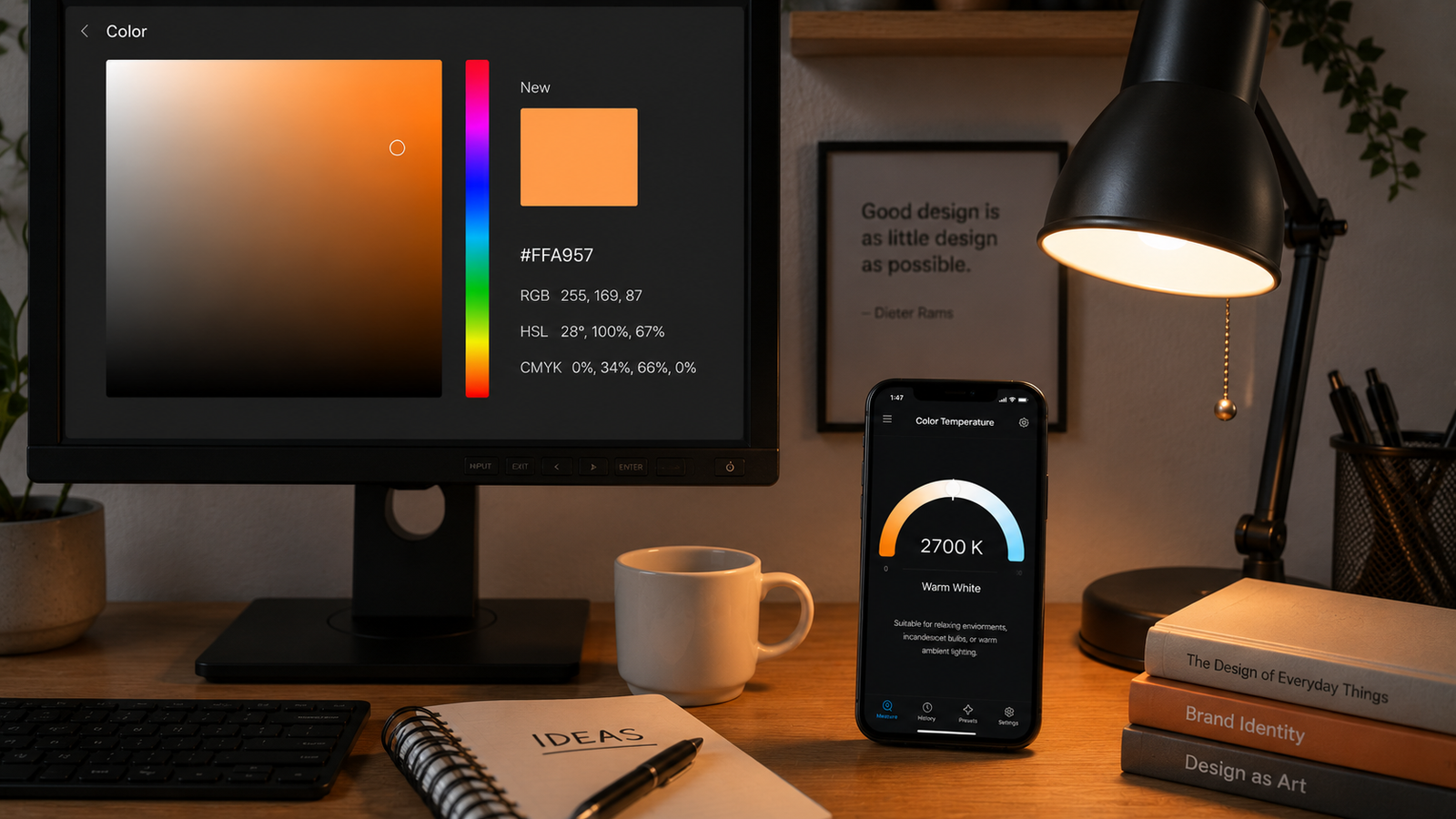
Kelvin to RGB and Hex Color Conversion (With Chart)
Designers, web developers, and lighting programmers often need to turn a color temperature into an actual screen color — an RGB triplet or a hex code — to reproduce the look of warm tungsten or cool daylight in a UI, a smart-bulb setting, or a 3D render. The conversion is genuinely useful, but it comes with one important caveat: there is no single “correct” answer, only well-established approximations.
This guide gives you a Kelvin-to-RGB/hex chart at common color temperatures, explains how the conversion works and why it's approximate, and covers the main use cases. If you want to reproduce the color of a real light, you can measure its Kelvin value with your phone first, then map it using the chart below.
📲 Start with the real Kelvin value
Kelvin Light Scale measures the exact color temperature of any light from your iPhone — the perfect input before you convert it to an RGB or hex color.
Why Kelvin to RGB is an approximation
Color temperature describes the light a theoretical “black body” emits when heated. Mapping that to RGB means placing the black-body color onto the screen's color space (usually sRGB), and several factors make it inexact: the limited gamut of a display, the assumption of a perfectly calibrated monitor, and the fact that different algorithms make slightly different choices about brightness and clipping. So the values below are sensible, widely-used approximations — close enough for design and lighting work, but not lab-exact. To anchor them to reality, you can always measure an actual source and compare.
Kelvin to RGB and hex chart
These are approximate sRGB values for common color temperatures, assuming full brightness. Lower Kelvin trends orange; higher Kelvin trends blue, passing through near-white around daylight.
| Kelvin | Approx. RGB | Approx. Hex | Look |
|---|---|---|---|
| 1,000K | 255, 56, 0 | #FF3800 | Deep red-orange |
| 2,000K | 255, 137, 18 | #FF8912 | Amber |
| 2,700K | 255, 169, 87 | #FFA957 | Warm white |
| 3,000K | 255, 180, 107 | #FFB46B | Soft warm white |
| 4,000K | 255, 209, 163 | #FFD1A3 | Neutral white |
| 5,000K | 255, 228, 206 | #FFE4CE | Daylight white |
| 5,500K | 255, 236, 224 | #FFECE0 | Near-neutral |
| 6,500K | 255, 249, 253 | #FFF9FD | White (D65) |
| 8,000K | 227, 233, 255 | #E3E9FF | Cool blue-white |
| 10,000K | 204, 220, 255 | #CCDCFF | Sky blue |
Notice the red channel stays maxed at 255 through the warm range and the blue channel climbs as you get cooler — that's the signature of the black-body curve. Measure a bulb at, say, 2,700K with the app and you can reproduce its warm glow as roughly #FFA957 in your design.
How the conversion works
The values come from taking the black-body radiation color at a given temperature and converting it into the sRGB color space. The most widely used practical method is Tanner Helland's approximation, which fits simple curves to each color channel across the temperature range — a fast formula that's accurate enough for most applications without heavy spectral math. More rigorous methods use the CIE color-matching functions and the Planckian locus, but for design and lighting work the approximation is the standard. Whichever you use, the input is a color temperature — which you can read directly from a real light.
Where you'd use this
- Web and UI design: Picking a “warm white” or “daylight” background or accent in CSS using a hex value that matches a real color temperature.
- Smart bulbs and LED strips: Setting RGB values to emulate a specific Kelvin on bulbs that take color rather than color-temperature input.
- 3D rendering and games: Lighting a scene with physically plausible light colors.
- Color grading and simulation: Previewing how a given source temperature will look on screen.
In each case the workflow is the same: decide on (or measure) a Kelvin value, then convert it to RGB/hex. You can capture the Kelvin of a reference light and bring that exact warmth into your project.
💡 Pro tip
The chart assumes full brightness. To dim a color temperature, scale all three RGB channels down by the same percentage — that lowers brightness while keeping the hue. Changing the channels unevenly will shift the color away from the intended temperature.
From a real light to a color value
- Measure the source: read its color temperature off a white or gray surface with a color-temperature app.
- Find the nearest Kelvin row in the chart, or interpolate between two rows.
- Use the RGB or hex value in your design, bulb, or render.
- Adjust for brightness by scaling all channels together if you need a dimmer version.
✅ The verdict
Kelvin-to-RGB is an approximation, but a reliable one. Use the chart for common values, the Tanner Helland method for arbitrary temperatures, and measure a real light first whenever you need the color to match an actual source.
Turning a color temperature into a screen color bridges the physical and digital worlds — the warmth of a 2,700K bulb becomes a hex code you can paste anywhere. Start from a measured value for accuracy, then convert; you can read a real light's Kelvin now.
Measure the Kelvin, then convert it
Kelvin Light Scale reads color temperature, tint, lux, and exposure from your iPhone — the accurate starting point for any Kelvin-to-RGB conversion. Free to start, with pro metrics when you need them.
Frequently asked questions
How do you convert Kelvin to RGB?
You map the black-body color at that temperature into the sRGB color space, usually with Tanner Helland's approximation, which fits a curve to each color channel. For common values you can read the RGB triplet straight from a conversion chart rather than calculating.
What RGB is 2700K?
A 2,700K warm white is approximately RGB 255, 169, 87 (hex #FFA957) at full brightness. Like all Kelvin-to-RGB values it's an approximation, since the exact result depends on the color space and display.
What hex color is daylight (6500K)?
6,500K, the D65 daylight white point, is approximately hex #FFF9FD — a near-neutral white with the faintest cool tint. Higher temperatures shift further toward blue.
Why isn't there one exact Kelvin-to-RGB value?
The conversion depends on the display's color space and gamut, monitor calibration, and the algorithm's brightness and clipping choices. Different methods produce slightly different values, so results are accurate approximations rather than a single fixed answer.
How do I dim a color temperature in RGB?
Scale all three RGB channels down by the same percentage. This reduces brightness while preserving the hue. Adjusting the channels by different amounts would shift the color away from the intended temperature.
Can I get the RGB of a real light bulb?
Yes — measure the bulb's color temperature in Kelvin with a phone app, then convert that Kelvin value to RGB using a chart or formula. Starting from a measured value gives a far better match than guessing.
kelvin to rgbkelvin to hex colorcolor temperature to rgb2700k rgb valuedaylight hex colorkelvin to rgb chartblackbody color to rgbcolor temperature hex code