How to Track Blood Sugar Without a CGM (2026 Guide)

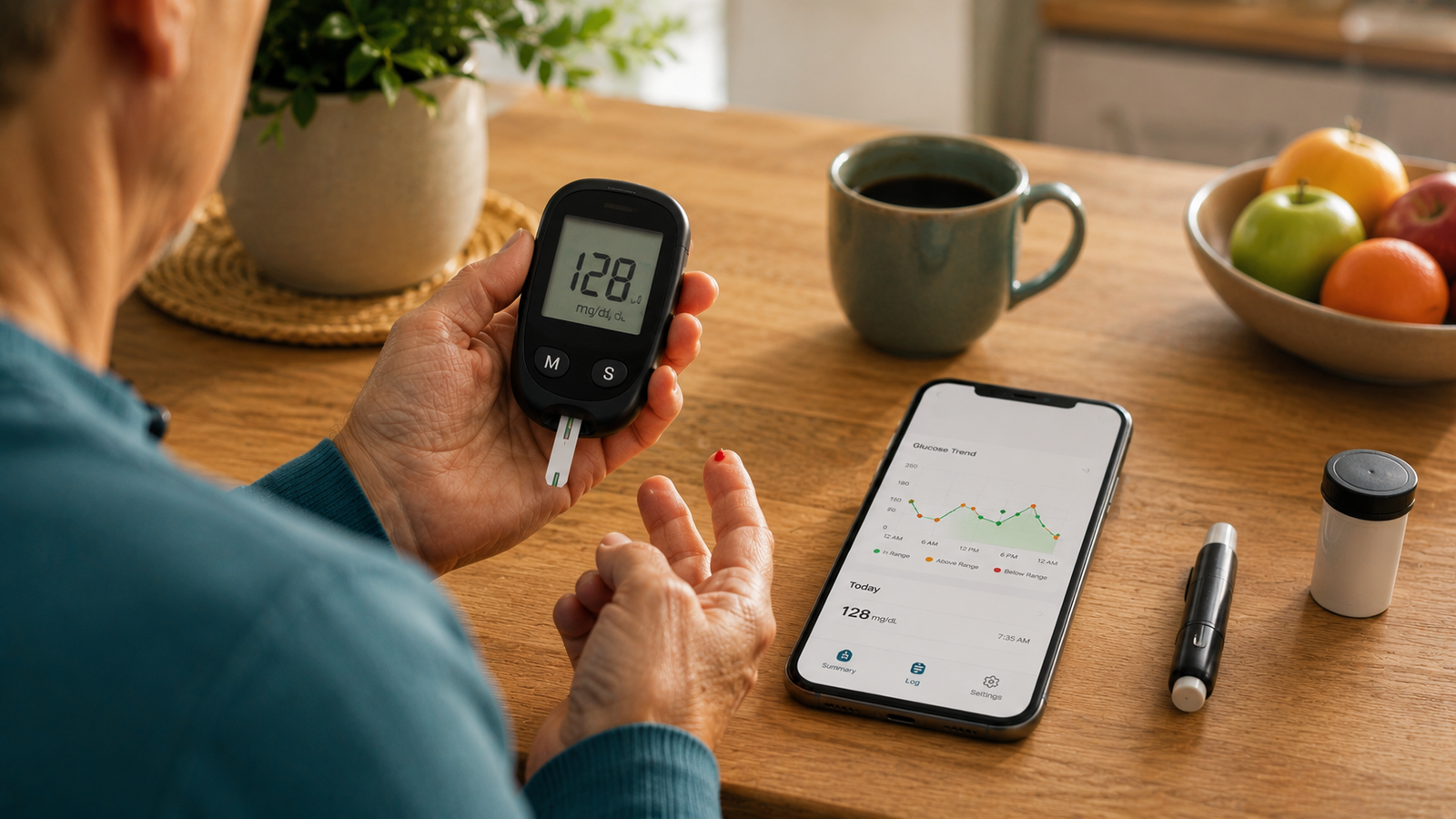
How to Track Blood Sugar Without a CGM (2026 Guide)
Continuous glucose monitors get a lot of attention, but they aren't for everyone. They can be expensive, often need a prescription, and plenty of people simply prefer a regular glucose meter. The good news is that you absolutely do not need a CGM to track your blood sugar well. With a meter, a bit of strategy about when you test, and consistent logging, you can build a clear and genuinely useful picture of your numbers.
This guide explains how to track effectively without a CGM: what a CGM actually adds, how to approximate that insight with a regular meter, and how good logging turns a handful of daily readings into visible trends. Current for 2026.
Medical disclaimer: This article is for general information only and is not medical advice. Blood Sugar Monitor is a tracking tool, not a medical device — it logs the readings you take with your own glucose meter and does not measure blood sugar, diagnose, or treat any condition. How and how often to test, and your target ranges, are decisions for your qualified healthcare provider.
Turn meter readings into trends
No CGM? Blood Sugar Monitor turns the readings from your regular meter into clear charts and trends — with reminders, context tags, and reports for your doctor. Free to start.
Do you need a CGM to track well?
No. A continuous glucose monitor is convenient because it reads automatically and shows continuous trends — but the underlying insight comes from having readings over time, and you can get that with a regular meter too. The difference is that a CGM gathers the data for you, while with a meter you decide when to test and you log the results yourself. Done consistently, those deliberate readings still reveal a great deal. The piece that ties it together is turning your discrete readings into trends, which a tracking app does for you.
What a CGM gives you — and how to approximate it
A CGM's main advantage is continuous, automatic data: a stream of readings that forms a trend line without you doing anything. Without one, you have snapshots instead of a stream — but a well-chosen set of snapshots, logged consistently, can still show you the patterns that matter. The trick is to be deliberate about your readings and faithful about recording them, so that over days and weeks your spot-checks add up to a clear picture rather than scattered numbers. An app then plots those snapshots into the trend view a CGM would have drawn automatically.
How to track effectively with a glucose meter
Here's the approach that gets the most insight from a regular meter:
1. Test at consistent, purposeful times
Rather than testing randomly, test at the times your doctor recommends — commonly fasting, around meals, and bedtime. Consistent timing means your readings are comparable day to day, which is what makes patterns visible. Your provider should set the schedule that's right for you.
2. Use paired readings to see impact
Checking before and then after the same meal can show you how that meal affected your level — something a CGM shows continuously, but that you can capture with two well-timed readings. If this approach suits your situation, your doctor can guide you on how and when to use it.
3. Log every reading with context
Without a CGM quietly recording for you, your log is only as good as what you enter — so capture each reading with its timing, any medication, and a note on food or activity. That context is what makes a snapshot meaningful later. A logbook app makes this a quick tap.
4. Be consistent
This matters even more without a CGM, because every reading is one you chose to take. Gaps leave blind spots. Reminders and a steady routine keep your snapshots frequent enough to form a real picture.
5. Review your trends regularly
Every week or so, look back over your readings for patterns rather than single numbers. This is where the snapshots become a trend — and where an app's charts do for you what a CGM's screen would, plotting your logged readings against your target range. Interpreting what the patterns mean stays with your doctor.
CGM vs a meter plus a tracking app
| For tracking, you get… | CGM | Meter + tracking app |
|---|---|---|
| Data collection | Continuous, automatic | Snapshots you choose to take |
| Trend charts | Automatic | From your logged readings |
| Cost & access | Higher; often a prescription | Lower; widely available |
| Effort | Minimal logging | You log each reading |
| Sharing with a doctor | Device reports | Export from the app |
A CGM trades cost and a prescription for less manual effort; a meter plus a good app trades a little logging for lower cost and wide availability — while still giving you the trend view that makes tracking worthwhile. You can set up that combination free.
The app makes the difference without a CGM
When you don't have a CGM doing the work automatically, the app is what closes the gap. It reminds you to test on schedule so your snapshots stay frequent, captures context with each entry, calculates averages, and — most importantly — charts your readings so the trend a CGM would show appears from your own logged numbers. That's how a regular meter and a little consistency add up to real insight. You can try it free and see your first trends build.
No CGM needed
Log your meter readings, add context, get reminders to stay consistent, watch your trends build on clear charts, and export reports for your doctor — all free to start.
Frequently asked questions
Can you track blood sugar without a CGM?
Yes. A regular glucose meter combined with consistent, well-timed logging lets you build a clear picture of your blood sugar without a CGM. The key is testing at purposeful times your doctor recommends, recording each reading with context, and reviewing your trends — which a tracking app charts for you automatically.
What does a CGM do that a meter doesn't?
A CGM reads your glucose automatically and continuously, producing trend data without you doing anything. A meter gives point-in-time readings that you choose to take and log yourself. You can approximate the trend insight of a CGM by taking deliberate readings and logging them consistently in an app.
How can I see blood sugar trends without a CGM?
Log each meter reading in an app that charts your readings over time against your target range. While a CGM draws the trend automatically, an app builds the same kind of trend view from the readings you enter — so consistent logging is what reveals your patterns.
How do I know how a meal affected my blood sugar without a CGM?
Paired readings — checking before and then after the same meal — can show the effect that a CGM would display continuously. Whether this approach is right for you, and how to time it, is something to confirm with your healthcare provider.
Is tracking with a meter as good as a CGM?
They serve different needs. A CGM offers continuous data with minimal logging but at higher cost and often a prescription, while a meter plus a tracking app is lower cost and widely available but relies on you logging consistently. Both can give useful insight; which suits you is a decision for your doctor.
Does a blood sugar app work without a CGM?
Yes. A tracking app records the readings you take with any glucose meter — it doesn't require a CGM. In fact, an app is especially valuable without a CGM, because it turns your manual readings into the charts, averages, and trends a CGM would otherwise provide.
how to track blood sugar without a cgmtrack blood sugar with a meterno cgm glucose trackingblood sugar trends without cgmmanual blood sugar loggingglucose meter tracking appfingerstick blood sugar trackingblood sugar app no cgm