How to Share Blood Sugar Readings With Your Doctor

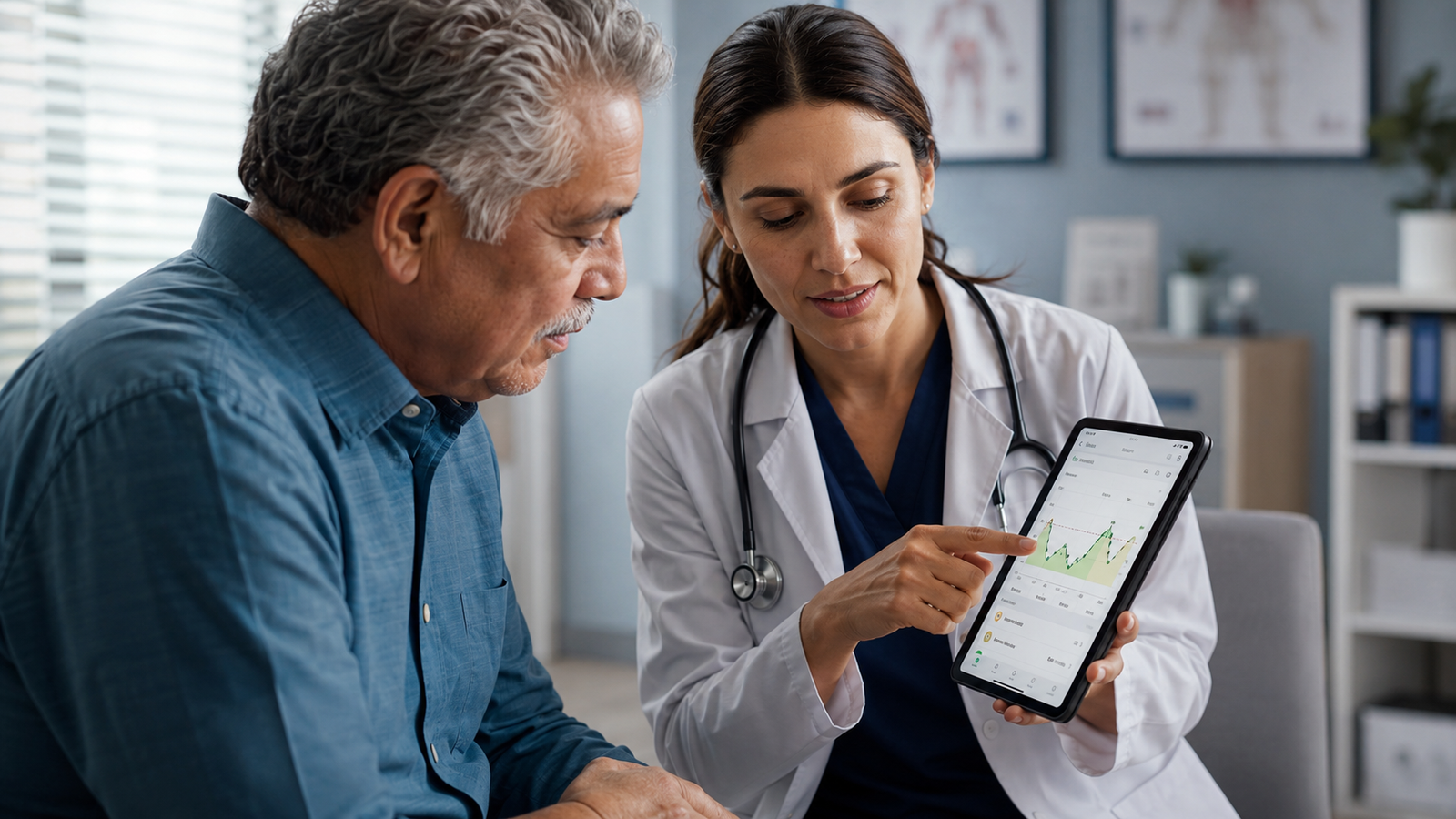
How to Share Your Blood Sugar Readings With Your Doctor (2026 Guide)
Bringing your blood sugar readings to a check-up is one of the most useful things you can do for your own care. When your doctor can see how your glucose actually behaves between visits — not just a single in-office reading — they can make far better decisions with you about your management plan. The catch is that a shoebox of loose numbers or a half-filled paper logbook doesn't help much. What helps is an organized, readable summary that shows your trends.
This guide covers what your doctor actually wants to see, the different ways to share your readings, how to prepare for your appointment, and how a tracking app can turn months of readings into a clean report in a couple of taps. Current for 2026.
Medical disclaimer: This article is for general information only and is not medical advice. Blood Sugar Monitor is a tracking tool, not a medical device — it logs the readings you take with your own glucose meter or CGM and does not diagnose or treat any condition. Always follow the guidance of your qualified healthcare provider.
Turn months of readings into one clear report
Blood Sugar Monitor lets you log your glucose, insulin, blood pressure, A1c, and more, then export a clean report to share with your doctor — with trends, target ranges, and your own notes for context.
Why sharing your readings matters
A single reading in the exam room is a snapshot; your readings over weeks are the whole movie. Sharing a record of your numbers helps your doctor see how your levels move across the day, how they respond around meals and medication, and whether any pattern needs attention. That fuller picture is what lets the two of you adjust your plan with confidence rather than guesswork. Keeping those readings organized in a tracking app means the record is ready whenever an appointment comes up.
What your doctor actually wants to see
It's rarely about every individual number. Your care team is usually looking for the bigger signals:
| What they look at | Why it helps them |
|---|---|
| Trends over time | Shows the direction things are heading |
| Time-of-day patterns | Highlights mornings, post-meal, overnight |
| Context (meals, meds, activity) | Explains why a reading was high or low |
| Highs and lows | Flags readings outside your target range |
| The date range since last visit | Covers the period they need to review |
Notice that almost all of these are about patterns and context, not isolated values. A reading of a certain number means one thing first thing in the morning and another after a meal — which is why notes and tags matter as much as the numbers. A log that captures context with each entry gives your doctor far more to work with.
Ways to share your readings
There are a few common options, each with trade-offs:
- Paper logbook. Simple and free, but easy to fall behind on, hard to spot trends in, and often incomplete by appointment day.
- Meter or CGM download. If your device supports it, you can pull reports from its own software. Useful, though it usually only covers that one device's data.
- A tracking app export. You log readings from any meter and the app produces a clean summary with charts and context that you can hand over or email. This is usually the most readable option for a doctor, and it can combine glucose with other metrics in one place.
If you want the organized-report benefit without the paperwork, exporting from a tracking app is the simplest path. You record each reading as you take it, and the report builds itself.
How to prepare for your appointment
A little preparation makes the visit far more productive:
- Log consistently between visits. A complete record beats a perfect one you started two days before. Reminders help you stay on track.
- Add context to your entries. Note meals, medication, exercise, illness, or stress so a high or low reading has an explanation attached.
- Pull a report for the right date range. Cover the period since your last appointment so your doctor sees the whole stretch.
- Write down your questions. Jot anything you've noticed — recurring highs, lows at a certain time — so you remember to raise it.
Doing this in an app means steps three and four are nearly automatic — your readings and notes are already there, ready to export and review.
How a tracking app makes sharing easier
This is where a dedicated log earns its place. Instead of transcribing numbers or handing over a messy notebook, you get a report your doctor can read at a glance:
- Clean exports. Generate a report (PDF or CSV) of your readings to print, email, or show on your phone.
- Flexible date ranges. Filter from a single day up to 180 days so the report matches the period your doctor needs.
- Trends with target ranges. Charts plot your readings against your target zones, making patterns obvious.
- Context in one place. Your notes, tags, and other metrics — insulin, blood pressure, weight, A1c, cholesterol — sit alongside your glucose.
That combination turns a chore into a couple of taps, and gives your appointment a far better starting point. You can set it up free and have your first report ready by your next visit.
Tips for a productive appointment
When you're there, a few habits help you get the most from the time: bring your report in a format you can actually show (printed or on your phone), lead with any patterns you've noticed, be honest about gaps in your logging, and ask your doctor what range and frequency they'd like you to aim for so your future tracking matches their guidance. Your log is a conversation starter, not a replacement for that conversation.
Walk into your next appointment ready
Log your readings as you take them, add context with notes and tags, and export a clean report to share with your doctor. Blood Sugar Monitor keeps your numbers organized and appointment-ready.
Frequently asked questions
How do I share my blood sugar readings with my doctor?
The clearest way is to bring an organized report covering the period since your last visit — showing trends, time-of-day patterns, and context like meals and medication, not just isolated numbers. A tracking app lets you export this as a PDF or CSV to print, email, or show on your phone.
What does my doctor want to see in my blood sugar log?
Usually the patterns rather than every individual reading: trends over time, how levels behave at different times of day and around meals and medication, any highs or lows outside your target range, and the full date range since your last appointment. Context attached to each reading is especially valuable.
Is a blood sugar app or a paper logbook better for sharing with a doctor?
Both can work, but an app is usually easier to keep complete and far easier for a doctor to read, since it organizes your readings into charts and reports automatically. A paper logbook is simple but easy to fall behind on and harder to spot trends in.
How far back should my blood sugar report go?
Generally cover the period since your last appointment so your doctor sees the whole stretch they haven't reviewed. A good tracking app lets you filter the report by date range — from a single day up to several months — to match what your care team needs.
Can I email my blood sugar log to my doctor's office?
Often yes, if you export it as a PDF or CSV, though you should check your clinic's preferred method and privacy practices first. Some offices prefer you bring it to the visit or upload it through a patient portal.
Does a blood sugar app replace my doctor or my glucose meter?
No. A tracking app is a logbook for the readings you take with your own glucose meter or CGM, and it organizes and shares them — it does not measure your blood sugar, diagnose, or treat anything. Your meter and your healthcare provider remain essential.
how to share blood sugar readings with your doctorblood sugar report for doctorglucose log for doctor appointmentdiabetes log to share with doctorexport blood sugar readingsblood sugar tracking app for doctorprepare glucose log appointmentblood sugar log report