How to Measure Golf Ball Speed with Your iPhone

How to Measure Golf Ball Speed with Your iPhone
If you've ever wondered how fast your golf ball actually leaves the clubface, you're not alone. Ball speed is one of the most important numbers in golf — it directly determines how far you hit it. The problem is that until recently, getting that number required a $500+ radar device or a trip to a fitting bay.
That's changed. Your iPhone now has enough processing power and camera quality to measure ball speed in real time, using computer vision and machine learning. Here's exactly how to do it.
Why ball speed matters
Ball speed is the velocity of the golf ball immediately after impact, measured in miles per hour (mph). It's the single strongest predictor of carry distance. A rough rule of thumb: every 1 mph of ball speed adds about 2 yards of carry with a driver.
Here's what average ball speeds look like by player level:
| Player type | Avg. ball speed |
|---|---|
| Beginner | 95–115 mph |
| Mid-handicap | 115–135 mph |
| Low handicap | 135–155 mph |
| Tour pro | 160–185 mph |
If you don't know your number, you're essentially guessing your way around the course.
What you need
- An iPhone running iOS 17.6 or later
- The Golf Launch Monitor app (free on the App Store)
- A tripod or something to prop your phone up — this is important
- A driving range or open space with at least 60–80 feet of ball flight
That's it. No additional hardware, no sensors, no pairing process.
How to set it up correctly
Getting accurate readings comes down almost entirely to camera placement. The app uses computer vision to track the ball from the moment of impact, so it needs a clear, stable view of the hitting zone.
Step 1 — Position your phone behind the ball Place your iPhone 6–8 feet directly behind you, along your target line. The camera should be pointing toward where the ball will travel. Keep it at roughly knee to hip height.
Step 2 — Keep it stable A shaky camera means inaccurate tracking. Use a small tripod, lean it against your bag, or ask a friend to hold it. Any wobble between frames throws off the speed calculation.
Step 3 — Make sure the ball is visible before you swing Open the app and check that the ball sits clearly in frame. If the ball is too close to the edge or obscured by your feet, move the phone back slightly.
Step 4 — Use a real golf ball The app's machine learning model is trained on standard golf balls. Range balls work, though premium balls tend to give cleaner tracking data. Foam balls, wiffle balls, or training balls won't produce reliable readings.
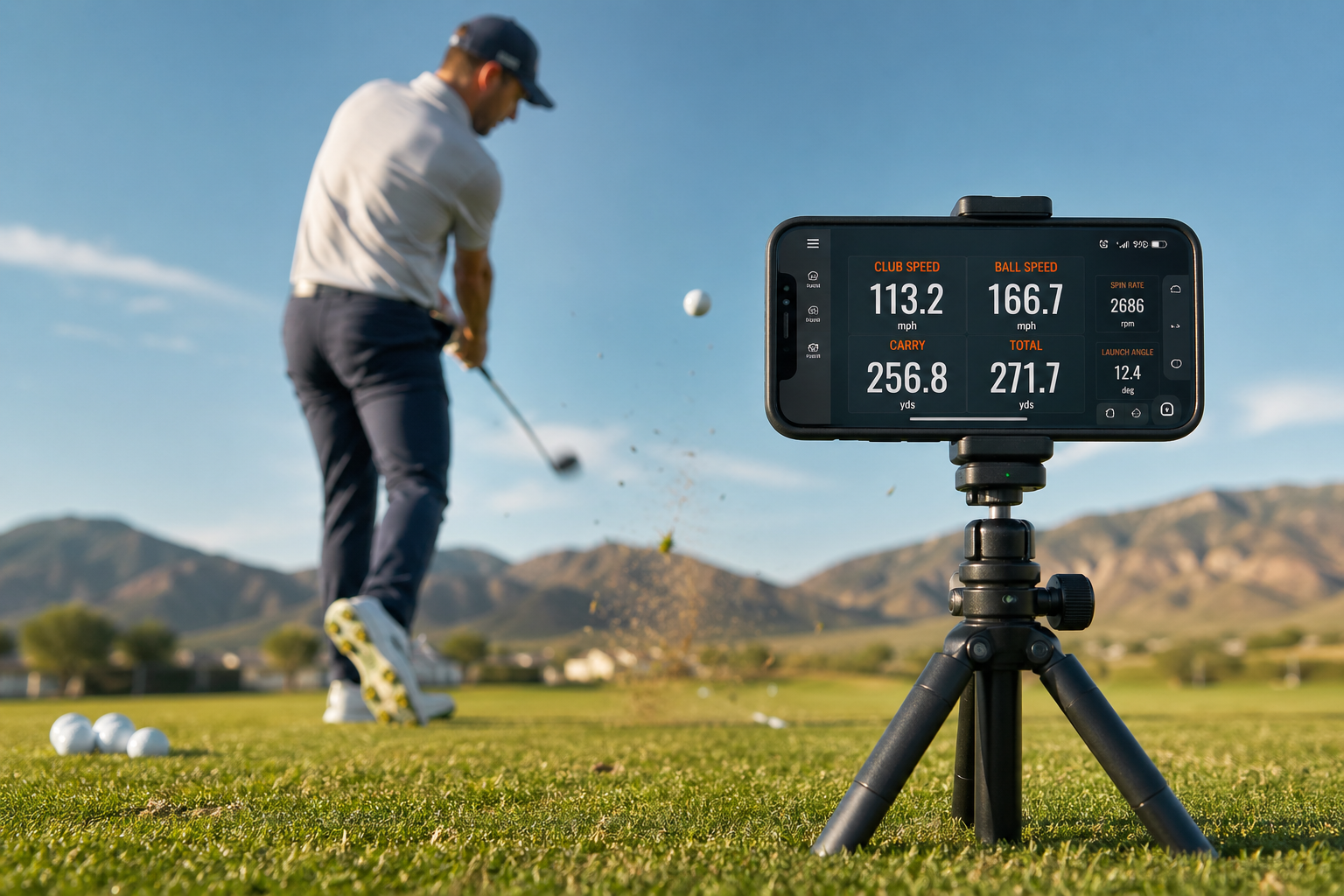
Step 5 — Hit your shot and review After impact, the app processes the footage and displays your ball speed alongside launch angle, carry distance, and spin rate. Review it between shots — you'll start spotting patterns quickly.
What's actually happening under the hood
The Golf Launch Monitor app uses a hybrid approach: machine learning detects the ball at the moment of impact, then high-speed optical flow tracking follows its trajectory frame by frame after the hit. From that post-impact data, the app calculates ball speed using physics — specifically, how far the ball travels across a known field of view in a known number of frames.
This is why the D-Plane physics engine added in version 1.1 was such a big upgrade. Rather than estimating speed from a single frame or a rough trajectory arc, it now uses the full post-impact flight path to back-calculate the numbers. The result is significantly more consistent readings, especially on off-center strikes.
How to get the most accurate readings
A few habits will tighten up your numbers considerably:
Use the same ball every session. Ball diameter and reflectivity affect how the computer vision model tracks it. Switching ball types mid-session introduces noise.
Shoot in good light. Bright, even daylight gives the camera the frame rate and contrast it needs. Avoid shooting directly into the sun, which can wash out the ball in frame.
Hit at least 8–10 shots before drawing conclusions. One shot is a data point. Ten shots is a pattern. The app's session view shows your average and spread, which is far more useful than any single reading.
Check your carry distance against known targets. If the app says you're carrying your 7-iron 165 yards but you know from experience it's more like 145, your phone placement is probably off — move it back or check the angle.
Interpreting your ball speed number
Once you have your number, here's how to use it:
Check your smash factor. Smash factor is ball speed divided by club speed. A well-struck driver should be close to 1.48–1.50. If yours is sitting at 1.35, you're losing yards to off-center contact, not swing speed — and no amount of fitness training will fix that. Better contact will.
Find your distance ceiling. If your ball speed is 130 mph with a driver, your theoretical maximum carry (assuming optimal launch and spin) is around 260–270 yards. If you're only carrying 230, there's 30 yards sitting on the table from launch angle and spin issues — not swing speed.
Track it over time. Ball speed fluctuates with temperature, fatigue, and equipment. Tracking it across multiple sessions shows you your true baseline and whether your swing changes are actually translating to more speed.
Common mistakes to avoid
Putting the phone too close. If the phone is less than 5 feet away, the ball exits the frame too quickly for accurate tracking. Stay at 6–8 feet minimum.
Recording in portrait mode. Always use landscape orientation. The wider field of view gives the tracking algorithm more time to follow the ball before it leaves the frame.
Calling it broken after one bad reading. A single zero or wildly wrong number usually means the ball wasn't in frame at impact. Recheck your setup and try again before assuming the app isn't working.
Try it this week
Next time you're at the range, spend the first 15 minutes just hitting your driver and watching the ball speed readout. Don't change anything — just collect data. By the end of those 15 minutes, you'll have a real baseline number and likely a clear picture of how consistent (or inconsistent) your contact actually is.
Download the Golf Launch Monitor app free from the App Store and start your first session today.
iPhone launch monitormeasure club speedgolf ball speedgolf launch monitorball speed monitorgolf tracking app