How to Deliver Multiple DoorDash Orders Efficiently

How to Deliver Multiple DoorDash Orders Efficiently (2026 Driver Guide)
Delivering multiple DoorDash orders efficiently isn't just about driving fast — it's about everything that happens before and between stops. The most profitable Dashers aren't the ones with the heaviest foot; they're the ones who accept the right batches, organize their car, sequence their drops smartly, and cut the dead time that quietly eats their hourly rate.
This guide pulls together the habits that make multi-order DoorDash runs efficient: smarter accepting, positioning, pre-sorting, sequencing, multi-apping, and protecting your ratings — plus where a route planner genuinely speeds things up. Whether you run two stacked orders or juggle deliveries across several apps, these are the levers that matter. Current for 2026.
Stop guessing the order of your drops
When you're running several deliveries — or multi-apping DoorDash with Uber Eats and Spark — Delivery Route Planner sequences every drop-off for the fastest route and navigates each with Apple Maps, Google Maps, or Waze.
1. Accept the right batches
Efficiency starts before you even drive. DoorDash will sometimes stack orders that head in opposite directions, which wrecks your route no matter how well you drive it. You can't turn stacked orders off, but you can accept the batch and then unassign the order that goes the wrong way (through the help menu — just don't do it so often that your completion rate suffers). Protecting your route from the start beats trying to rescue a bad one later, and a route planner makes it obvious at a glance whether drops flow together.
2. Position yourself to get good batches
Where you wait shapes what you're offered. Sitting near a cluster of busy restaurants in a dense delivery area tends to produce tighter, same-direction batches than parking on the edge of your zone. Many experienced Dashers learn their market's hotspots and times by trial and error — and by comparing notes in local driver communities. Better positioning means batches that are naturally easier to deliver efficiently.
3. Pre-sort your bags and car
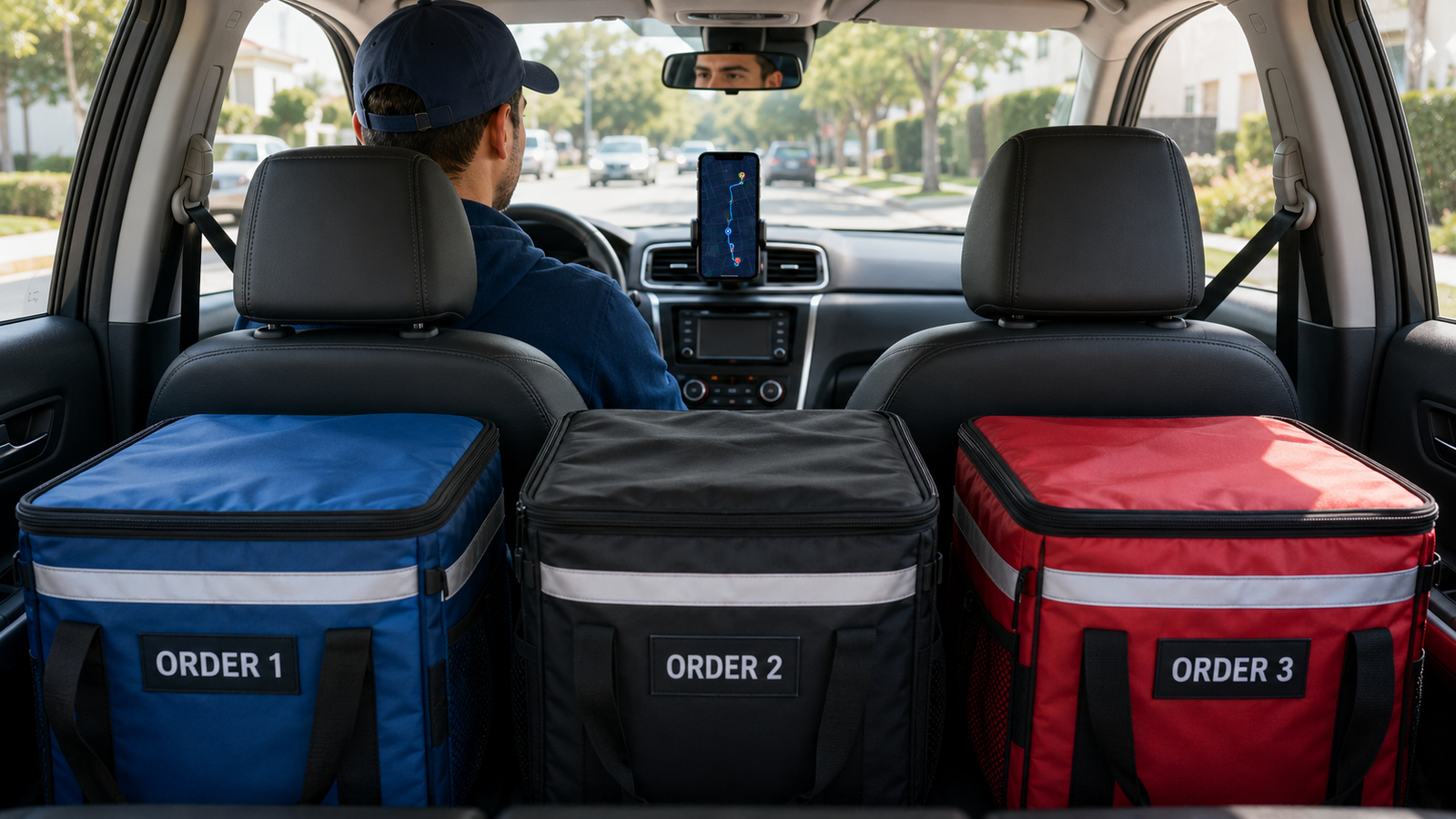
One of the simplest efficiency wins: keep your insulated bags organized and your orders separated so you grab the right food instantly at each stop. Fumbling through a pile at every drop costs seconds that multiply across a shift. Label or zone your bags, keep hot and cold separate, and know which order is next before you park. You can keep notes on each stop — gate codes, "leave at door" — so nothing slows you down at the curb.
4. Sequence your stacked orders smartly
Once you've accepted a batch, the order you deliver in matters — deliver in one direction, cluster nearby drops, and protect temperature-sensitive food. This decision deserves its own deep dive, and we've written a full breakdown in our guide on which stacked DoorDash order to deliver first. The short version: don't head the opposite direction, and don't double back to a neighborhood you've already left. For anything beyond two drops, a route optimizer finds the fastest sequence instantly.
5. Multi-app to fill your route
Many full-time drivers run DoorDash alongside Uber Eats or Spark to keep their car full and their route dense. Done well, multi-apping means you're rarely driving empty — you pick up complementary orders heading the same way. The challenge is that no single delivery app sees your full set of active drops. Putting every drop-off from every app into one standalone planner lets you optimize them together and avoid the wrong-direction trap.
Account safety: Only multi-app with a standalone planner where you enter your own drop-offs — never a tool that asks for your DoorDash, Uber, or Spark login or automates your accounts. Those break platform rules and risk deactivation. Bring the addresses yourself and you stay completely safe.
6. Protect your ratings and completion rate
Efficiency isn't only speed — it's staying in good standing so you keep getting offers. Delivering in a sensible order keeps food hot and customers happy, which protects your rating. Avoid excessive unassigning so your completion rate stays healthy. A driver with strong metrics gets better, busier batches, which is its own efficiency multiplier.
7. Track your miles and gas
The hidden cost of inefficient multi-order runs is fuel and wear. Every needless mile from backtracking is money off your real earnings. Optimizing your route for shortest distance when gas is your concern — or shortest time when you're chasing volume — directly protects your take-home. Tracking your mileage also matters at tax time. A planner that optimizes for distance trims those wasted miles automatically.
Efficiency at a glance
| Lever | Why it makes you more efficient |
|---|---|
| Decline wrong-direction stacks | Stops a bad route before it starts |
| Good positioning | Earns tighter, same-direction batches |
| Pre-sorted bags | Grab-and-go at every stop |
| Optimized sequence | No backtracking, hot food |
| Smart multi-apping | Rarely drive empty |
| Strong metrics | Better, busier offers |
None of these levers requires fancy tools on their own — but once you're running three or more drops, or stacking across apps, sequencing by eye becomes the bottleneck. That's the moment to let a planner do the routing so you can focus on driving.
Drive smarter, not just faster
When you're stacked deep or multi-apping, Delivery Route Planner finds the fastest sequence through all your drop-offs in seconds and navigates each with your favorite maps app. Standalone and safe — no delivery-app login required.
Frequently asked questions
How do you deliver multiple DoorDash orders efficiently?
Accept batches that head the same direction, position yourself near busy restaurant clusters, pre-sort your bags, deliver in one logical sequence without backtracking, and keep your ratings and completion rate strong. For three or more drops or when multi-apping, a route planner finds the fastest order automatically.
Should I decline DoorDash stacked orders that go opposite directions?
Often yes. You can accept the batch and unassign the order heading the wrong way through the help menu, since a wrong-direction stack hurts both your time and your tips. Just avoid unassigning so frequently that it damages your completion rate.
Does multi-apping make DoorDash deliveries more efficient?
It can, by keeping your car full and your route dense so you rarely drive empty. The key is making sure orders head the same direction. Because no single app shows all your active drops, a standalone route planner that combines them is the safest way to keep multi-apping efficient.
How do I keep food hot when delivering multiple orders?
Use insulated bags, keep hot and cold orders separated, and sequence your route so temperature-sensitive food isn't sitting longest. Delivering in a tight, no-backtracking order gets every order to the customer faster and warmer.
Does backtracking really cost that much on DoorDash?
Yes. Every wasted mile from a poorly ordered route burns fuel and time that come straight out of your real earnings. Optimizing your sequence for shortest distance or shortest time eliminates most of that waste, which is why efficient Dashers plan their drops rather than driving them in the order received.
Do I need an app to deliver multiple DoorDash orders?
For a simple two-order stack in the same direction, no — DoorDash's suggested order is usually fine. A standalone route planner becomes worthwhile at three or more drops or when multi-apping, where the most efficient sequence isn't obvious by eye.
how to deliver multiple doordash orders efficientlydoordash efficiency tipsdoordash multiple ordersdasher tips multiple ordersdoordash batched orders efficiencymulti apping doordashdoordash route plannerdoordash earnings per hour