How Many Stops Per Hour Is Good for Delivery? 2026

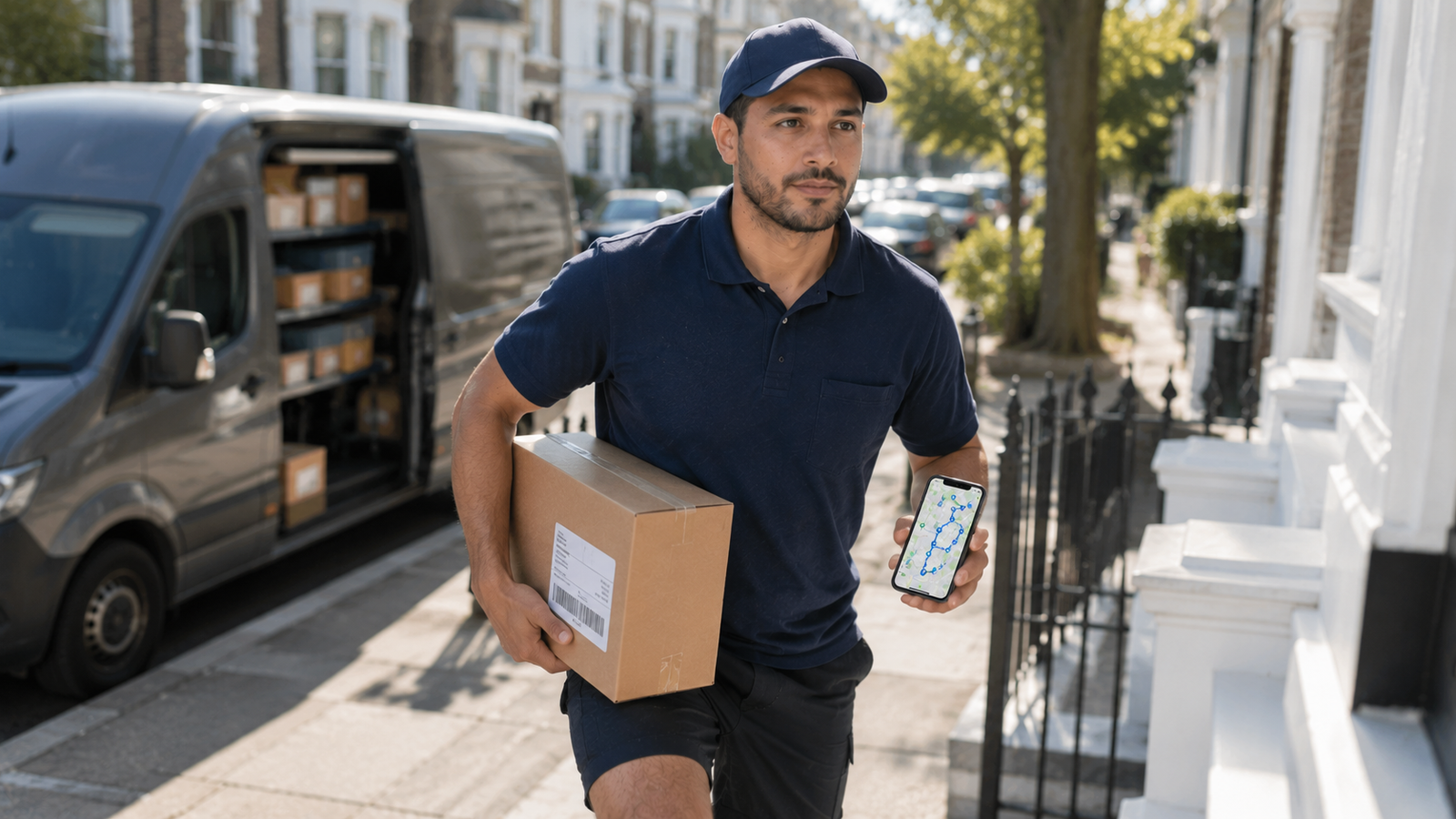
How Many Stops Per Hour Is Good for Delivery? (2026 Benchmarks)
There's no single magic number — a "good" stops-per-hour rate depends entirely on what you deliver. A food delivery driver doing two stops an hour is doing fine; a package driver doing two stops an hour would be falling badly behind. The honest answer is that good ranges from around 1.5 to 2 deliveries per hour for food up to roughly 15 to 25+ stops per hour for package and last-mile routes — and the biggest factor of all is how densely your stops are packed together.
This guide breaks down realistic stops-per-hour benchmarks by delivery type, explains why route density matters more than anything, and shows you the one lever you actually control to push your own number higher. Current for 2026.
More stops per hour starts with a tighter route
Every minute saved between stops is another stop you can fit in. Delivery Route Planner optimizes your order to cut drive time and backtracking — then navigates each stop with Apple Maps, Google Maps, or Waze.
The short answer: it depends on what you deliver
Stops per hour only means something relative to your delivery type. Food delivery involves driving to a restaurant, waiting, then driving to one customer — so the rate is low by nature. Package and last-mile routes drop many parcels across a dense area, so the rate is far higher. Comparing the two directly is meaningless. What matters is how you stack up against others doing your kind of work in your kind of area — and how much you can improve it with a better route.
Stops per hour by delivery type
| Delivery type | Typical stops/hour | Notes |
|---|---|---|
| Food delivery (DoorDash, Uber Eats) | ~1.5–2 | One customer per trip; restaurant wait time |
| Package / last-mile (DSP, FedEx) | ~15–25+ | 20–30 in dense stretches; ~180 stops/day typical |
| Amazon Flex (blocks) | ~10–15 | Personal vehicle; shorter routes |
| Courier / local parcel | Varies widely | Depends on package mix and area |
For context, a typical suburban package route runs around 180 stops across a delivery shift, which works out to roughly 20-something stops an hour overall — higher in tightly packed neighborhoods, lower across spread-out rural stretches. Food delivery sits at the opposite end, where about two deliveries an hour is normal. Wherever you fall, a smarter route order moves your number up.
Why route density matters most
The single biggest driver of your stops-per-hour rate isn't your hustle — it's how close your stops are to each other. A dense urban or suburban route with addresses a few doors apart lets you knock out far more stops per hour than a rural route where you drive ten minutes between houses. Two equally hard-working drivers can have wildly different rates simply because of the routes they were given.
You can't always choose your area, but you can control how efficiently you move through it. The less time you spend driving between stops — and the less you backtrack — the more of your hour goes to actually delivering. That's exactly what optimizing your route does, and it's why a route planner directly raises your effective stops per hour.
What a "good" rate looks like for you
Forget chasing a universal benchmark. The right comparison is you against your own type and area:
- Food delivery: consistently hitting 2 or more deliveries per hour is solid; multi-apping helps fill the gaps.
- Package routes: staying in the 15–25 range on a normal-density route is healthy; dense routes can push higher.
- Flex blocks: finishing your block comfortably within the window is the real benchmark, since the pay is fixed.
The most useful number is your own trend over time. If your stops per hour is climbing on similar routes, your efficiency is improving — and that's what a planner is built to help with.
How to improve your stops per hour
Whatever you deliver, these levers raise your rate:
- Optimize your stop order. The biggest win. A sequence that minimizes drive time between stops fits more stops into every hour. This is the one Google Maps and the default platform orders can't do well.
- Eliminate backtracking. Driving in clean loops instead of zig-zags means less time on the road and more at the door.
- Speed up address entry. Scanning or importing your stops instead of typing means you start delivering sooner.
- Pre-sort and load smartly. Finding the right package fast shaves seconds off every stop — which adds up over a route.
- Work the dense windows. Where you have a choice, denser areas and times naturally lift your rate.
Notice how many of these come back to the route itself. You can put the optimization piece in place free and watch your pace pick up.
The compounding math: Shave just 60 seconds of driving off the average gap between stops, and across a 100-stop route you save well over an hour — which is several more stops you could have completed. Small per-stop savings compound into a much higher stops-per-hour rate.
Fit more stops into every hour
Optimize your route order, cut backtracking, and spend less time between stops. Delivery Route Planner raises your real stops-per-hour rate — then navigates each stop with Apple Maps, Google Maps, or Waze.
Frequently asked questions
How many stops per hour is good for delivery?
It depends on the delivery type. For food delivery, about 1.5 to 2 deliveries per hour is normal. For package and last-mile routes, roughly 15 to 25 stops per hour is healthy, climbing to 20–30 in dense areas. Route density is the biggest factor in what's achievable.
How many stops does an Amazon DSP driver make per hour?
A typical suburban Amazon DSP route runs around 180 stops across a shift, averaging roughly 20-something stops per hour overall, with concentrated stretches often hitting 20 to 30 deliveries per hour. Rural routes with long gaps between addresses run lower.
Why is my stops-per-hour rate lower than others?
The most common reason is route density — a spread-out route simply can't match a tightly packed one, no matter how hard you work. Inefficient stop ordering and time lost searching for packages also lower the rate. Optimizing your route and organizing your loading are the fastest fixes.
What's a good stops-per-hour rate for food delivery?
Because food delivery means one customer per trip plus restaurant wait time, around two deliveries per hour is solid. Multi-apping across platforms and working peak meal times are the main ways food drivers lift that number.
Does optimizing my route increase stops per hour?
Yes, directly. Optimizing your stop order minimizes the drive time between stops and eliminates backtracking, so more of each hour goes to delivering rather than driving. Even small time savings per stop compound into several extra stops over a full route.
How do I track my stops per hour?
Divide your total stops by the hours you spent delivering. Tracking it over time on similar routes is more useful than a single figure, since a rising rate shows your efficiency is improving. Compare yourself against your own delivery type and area, not a universal number.
how many stops per hour is good for deliverystops per hour delivery driveramazon dsp stops per hourgood delivery rate per houraverage stops per hour package deliveryimprove stops per hourdelivery route densitydeliveries per hour doordash