Free Blood Sugar Tracking App: What to Look For 2026

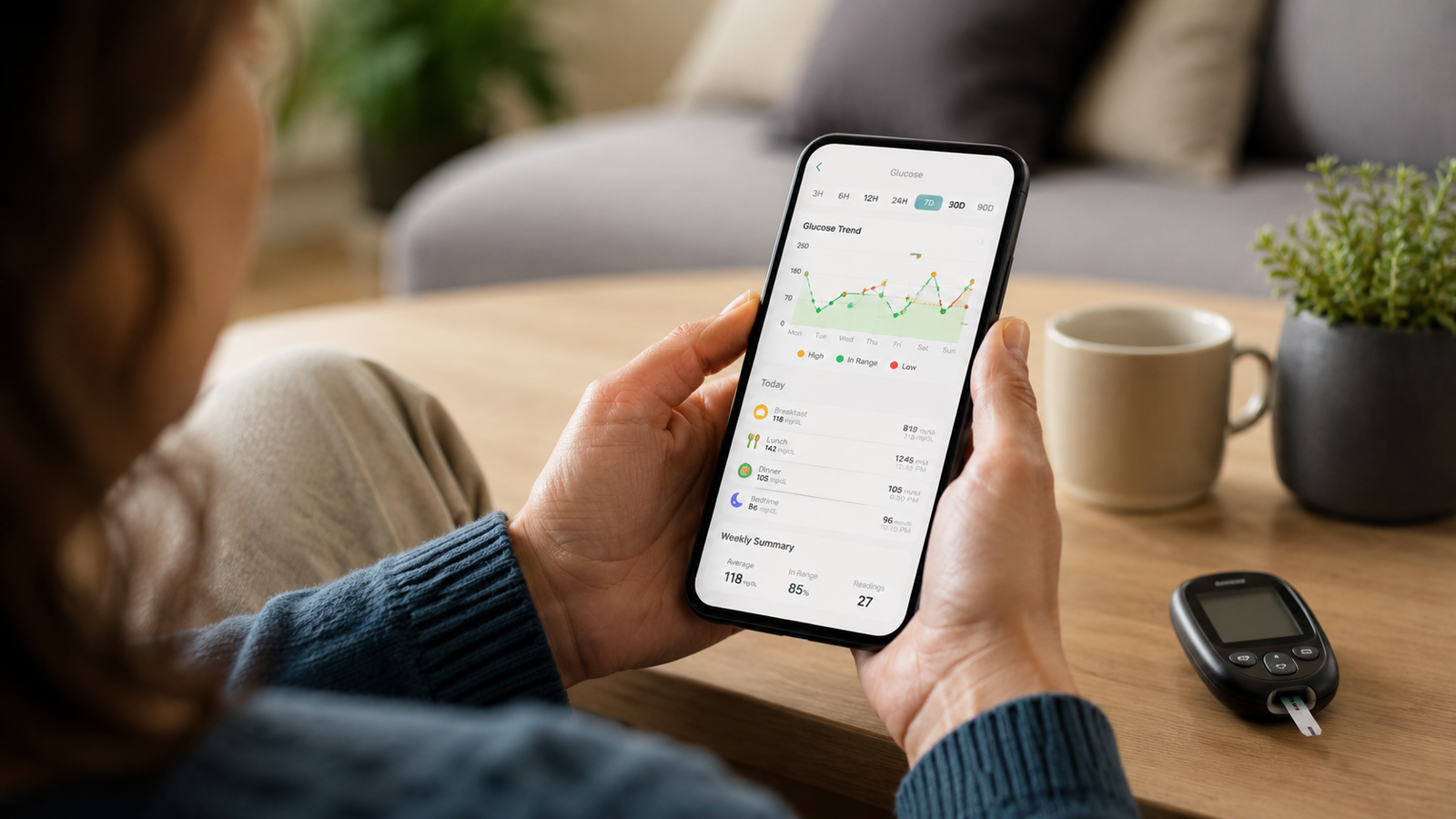
Free Blood Sugar Tracking App: What to Look For (2026 Guide)
If you've been told to keep an eye on your blood sugar — whether you have diabetes, prediabetes, or you're just watching your numbers — a free tracking app is one of the easiest ways to stay on top of it. But "free" covers everything from a bare-bones glucose notepad to a genuinely capable health log, and the differences matter. The right free app makes daily logging effortless and gives you something useful to bring to your doctor; the wrong one nags you into a paid upgrade before you can do anything.
This guide explains what a good free blood sugar tracking app should do, how to read what "free" really means, and how to choose one that fits how you actually manage your health. Current for 2026.
Medical disclaimer: This article is for general information only and is not medical advice. Blood Sugar Monitor is a tracking tool, not a medical device — it logs the readings you take with your own glucose meter or CGM and does not diagnose or treat any condition. Always follow the guidance of your qualified healthcare provider.
One free app for more than just glucose
Blood Sugar Monitor lets you log glucose, insulin, blood pressure, weight, A1c, and cholesterol — free to start — with charts, target ranges, reminders, and reports you can share with your doctor.
Why use a free blood sugar tracking app?
Keeping a record of your readings is the foundation of understanding your numbers — and an app does it far better than the paper logbook it replaces. Your readings live in one place, trends become visible on a chart instead of hidden in a list, reminders help you log consistently, and when an appointment comes up you can hand your doctor a clean summary. A free app removes the cost barrier so there's nothing stopping you from starting today. The best of them, like a free blood sugar tracker, give you the core of all that without paying a cent.
What "free" really means
Almost every blood sugar app is "free to download," but what you get for free varies a lot. Most use one of two models: a free tier with core logging plus a paid upgrade for advanced features, or an ad-supported free version where premium removes the ads. Neither is bad — you just want to know up front what's included.
Before you commit: Check what you actually get for free versus what needs an upgrade — daily logging, history, basic charts, and reminders should be usable at no cost. Treat premium (advanced analytics, full report exports, cloud sync, ad removal) as a nice-to-have you can add later if the app earns it.
A fair free tier lets you do the essential job — log and review your readings — without constant friction. You can see exactly what's free versus premium here.
What to look for in a free blood sugar tracking app
These are the features that separate a genuinely useful free app from a frustrating one:
1. Fast, easy logging
You'll do this several times a day, so entering a reading should take seconds. If logging is a chore, you won't keep it up — and consistency is the whole point.
2. More than just glucose
This is where many free apps fall short. Blood sugar rarely tells the whole story on its own. An app that also logs insulin, blood pressure, weight, A1c, and cholesterol gives you — and your doctor — a fuller picture in one place, instead of scattering your health data across several apps. That all-in-one capability is a key advantage of a comprehensive tracker.
3. Clear charts with target ranges
Numbers in a list are hard to interpret; the same numbers on a graph against your target range make patterns obvious. Look for visual trends, not just a log.
4. Reminders
Reminders for glucose checks and medication are what keep your log complete between appointments. A complete record is far more useful than a patchy one.
5. Export and sharing
The ability to export your readings — even basic data on the free tier — so you can share them with your doctor turns your app into a real appointment tool. You can export a report to share when it's time for a check-up.
6. Privacy and offline use
Your health data is sensitive. Favor an app that keeps your data on your device by default, works offline, and only syncs to the cloud when you choose to. You should stay in control of your own information.
7. Your preferred unit
Make sure the app supports the unit you use — mg/dL or mmol/L — so your readings match what your meter and doctor use.
Free blood sugar app checklist
| Feature | Why it matters |
|---|---|
| Fast logging | Keeps you consistent |
| Tracks more than glucose | A fuller picture in one app |
| Charts with target ranges | Makes patterns visible |
| Reminders | Keeps your log complete |
| Export / sharing | Ready for your doctor |
| Privacy & offline | Protects sensitive data |
Run any free app you're considering against this list. The best one for you is simply the one that checks the boxes that match how you manage your health — you can check this one against the list yourself.
Make consistency the goal
Whichever app you choose, the real value comes from using it regularly. The most sophisticated tracker does nothing if your log is empty. Pick a free app that's pleasant enough to open every day, set your reminders, add a little context to each entry, and let the trends build up over time. That steady record — kept in a simple free tracker — is what helps you and your doctor see what's really going on.
Start tracking for free today
Log glucose, insulin, blood pressure, weight, A1c, and cholesterol in one place, see your trends against target ranges, set reminders, and export reports for your doctor — free to start.
Frequently asked questions
Is there a free app to track blood sugar?
Yes. Many blood sugar tracking apps are free to download and let you log readings, view history and charts, and set reminders at no cost, with a paid tier for advanced features. Look for one whose free version covers the essentials — logging, history, basic charts, and reminders — without forcing an upgrade.
What should a free blood sugar tracking app include?
At minimum: fast logging, a history view with charts against your target range, and reminders. The better free apps also track related metrics like insulin, blood pressure, weight, A1c, and cholesterol, support your preferred unit (mg/dL or mmol/L), let you export data to share with your doctor, and keep your data private and available offline.
Does a free blood sugar app measure my glucose?
No. A tracking app is a logbook for readings you take with your own glucose meter or CGM — it records, charts, and organizes them. No phone app measures your blood sugar directly, so you still need your meter or sensor to get each reading.
Are free blood sugar apps safe for my data?
It depends on the app. Favor one that stores your data on your device by default, works offline, and only syncs to the cloud when you choose. Always review the app's privacy policy so you understand how your health information is handled.
What's the difference between the free and premium versions?
Typically the free version handles everyday logging, history, basic charts, reminders, and basic export, while premium adds extras like advanced analytics, full PDF or CSV report exports, cloud backup and sync, custom reminders, and ad removal. You can usually use the free tier indefinitely and upgrade only if you want the extras.
Can a free app track blood pressure and cholesterol too?
Some can. An all-in-one tracker lets you log blood pressure, weight, A1c, and cholesterol alongside your glucose, giving you a fuller health picture in a single app rather than spreading it across several. This is a useful advantage if you're managing more than just blood sugar.
free blood sugar tracking appfree glucose tracker appfree diabetes logbook appapp to track blood sugar freeblood sugar and blood pressure tracker appfree glucose log appbest free diabetes apptrack blood sugar without cgm