FedEx Ground Route Planner: Optimize Your Route 2026

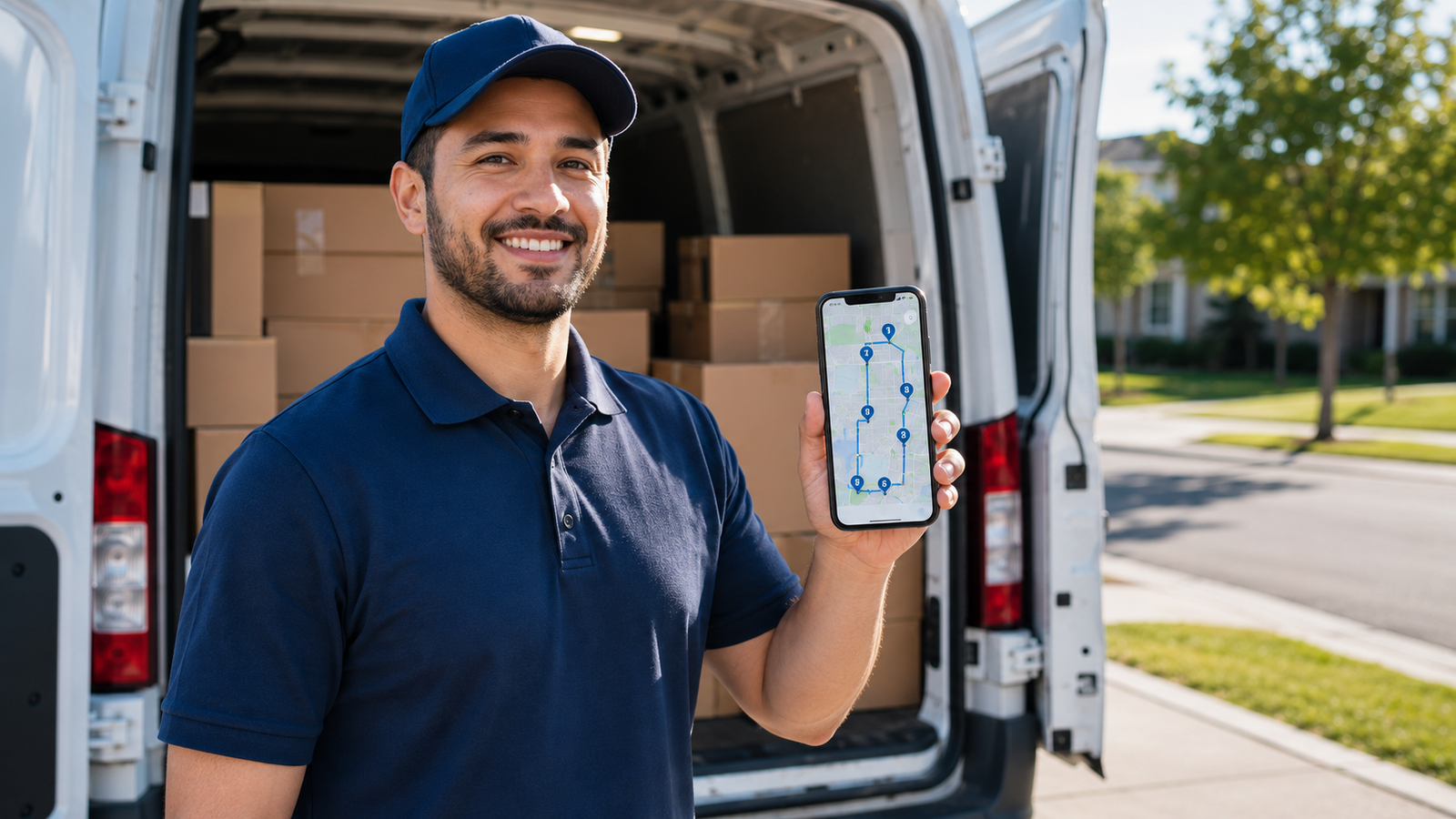
FedEx Route Optimization: The Best Route Planner App for FedEx Ground Drivers (2026)
If you deliver for FedEx Ground, you already know FedEx hands you a route through its DRO system — and you also know it doesn't always match what's actually efficient on your roads. DRO can hand you uneven workloads, ignore the territory knowledge you've built up over months, and pack your day so tight there's barely room for a gas stop. That's why a lot of FedEx Ground and Home Delivery drivers run a simple personal route planner alongside it.
This guide explains how FedEx route optimization works, why DRO frustrates so many drivers, and how an individual driver can plan a cleaner, faster route for their own day — without fighting the system. We'll also be honest about what a personal route planner can and can't do for a FedEx operation. Current for 2026.
Plan your own route, your way
Delivery Route Planner lets you scan or enter your stops, optimize the order for shortest time or distance, and navigate each one in Apple Maps, Google Maps, or Waze. A standalone personal planner — no logins, no system to fight.
What is FedEx DRO (Dynamic Route Optimization)?
DRO — Dynamic Route Optimization — is FedEx's standard routing system, launched in 2019 and strengthened when FedEx acquired routing specialist RouteSmart in early 2025. It runs every night, organizing dozens of stops into an efficient delivery order for each route. It works through two main approaches: static anchor areas, where routes follow fixed geographic boundaries so the same trucks serve the same areas, and dynamic anchor areas, which split the delivery zone based on vehicle capacity and work hours.
On paper it's powerful, and at the contractor level it's the backbone of a FedEx Ground operation. The trouble is what it feels like from the driver's seat — which is where a personal route planner comes in.
Why FedEx drivers find DRO frustrating
DRO has a reputation among drivers for creating as many headaches as it solves. The common complaints:
- Uneven workloads. Dynamic anchor areas optimize for truck capacity, which can leave one driver slammed and another light.
- It ignores your local knowledge. The shortcut you know, the apartment complex that takes forever, the street that's faster at 2pm — DRO doesn't know your territory the way you do.
- Punishing density. Drivers report days packed so tight there's no slack for breaks or fuel.
- The order isn't always efficient on the ground. A sequence that looks optimal to an algorithm can still send you back and forth in practice.
This is exactly why the "Follow DRO" approach — keeping the driver's preferred sequence while adjusting only for time-critical stops — is so popular among experienced teams. Your route knowledge is an asset, and a personal planner lets you put it to work instead of overriding it.
How to optimize your own FedEx route
For an individual driver who wants a cleaner personal route, the workflow is simple and sits alongside your normal FedEx procedures:
- Capture your stops. Scan the address off each package label with your phone camera, or enter and paste them in.
- Optimize the order. Re-sequence your stops for the shortest time using live traffic, or shortest distance to save fuel — whichever matters most that day.
- Account for time-critical commitments. Anchor any time-definite or Express stops first, then build the rest around them.
- Navigate one tap at a time. Open each stop in Apple Maps, Google Maps, or Waze for turn-by-turn directions you trust.
You still scan and confirm packages through FedEx's own device and follow your station's procedures — the planner is just a personal tool for figuring out the smartest order and getting clean navigation. You can try that workflow free.
FedEx DRO vs a personal route planner
| What you want | FedEx DRO (default) | Personal route planner |
|---|---|---|
| Use your own territory knowledge | Limited | Fully — you control the order |
| Choose your navigation app | FedEx device / Garmin | Apple, Google, or Waze |
| Re-optimize on the fly | Hard mid-route | Instant |
| Simple, driver-friendly screen | Often clunky | Built for one-handed use |
| Operation-wide dispatch | Yes (contractor tool) | No — single driver |
The honest takeaway: DRO is the right tool for a contractor managing an entire operation, and a personal planner won't replace it at that level. But for the individual driver who just wants a faster, cleaner route through their own day, a standalone planner is the simpler, friendlier option.
Who this works best for
A personal route planner is the right fit if you're an individual FedEx Ground or Home Delivery driver who wants better navigation and a smarter stop order than the default sequence gives you. If you're a contractor or ISP owner managing multiple trucks, drivers, and dispatch, you'll want operation-level DRO tooling for that side — but your individual drivers can still benefit from a clean personal navigator on their own route. Either way, you can put it to work today.
Keep it standalone: A personal route planner is a separate tool you feed yourself — it doesn't connect to or replace FedEx's scanner, DRO, or any company system. You bring your stops, it optimizes and navigates. Always follow your station's required procedures and devices.
A cleaner route through your day
Scan your stops, optimize the order, and navigate with Apple Maps, Google Maps, or Waze. A simple, standalone planner for FedEx Ground and Home Delivery drivers who want their time back.
Frequently asked questions
What is FedEx route optimization?
FedEx route optimization is handled by DRO (Dynamic Route Optimization), the company's routing system launched in 2019 and enhanced by its 2025 acquisition of RouteSmart. It organizes each route's stops into an efficient order nightly using static and dynamic anchor areas based on geography, vehicle capacity, and work hours.
Why do FedEx drivers dislike DRO?
Common complaints are uneven workloads, a stop order that ignores a driver's local territory knowledge, days packed too tightly for breaks, and sequences that look optimal to an algorithm but still cause backtracking in practice. Many drivers supplement DRO with a personal route planner for a cleaner day.
Can I use a third-party route planner as a FedEx Ground driver?
Yes, as a personal tool. A standalone planner where you enter or scan your own stops doesn't connect to or replace FedEx's scanner or DRO — you still follow your station's required procedures. It simply helps you find a smarter stop order and navigate with the maps app you prefer.
What's the best route planner app for FedEx Ground drivers?
For an individual driver, the best app is a simple standalone planner that lets you scan addresses, optimize for shortest time or distance, and navigate with Apple Maps, Google Maps, or Waze. Contractor-level operations managing many trucks need separate DRO tooling, which serves a different purpose.
Does a personal route planner replace FedEx DRO?
No. DRO is a contractor-level system for managing an entire operation, and a personal planner won't replace it at that scale. A personal planner is for the individual driver who wants a faster, friendlier route and navigation on their own daily stops.
How do I add my FedEx stops to a route planner quickly?
The fastest method is to scan the address directly off each package label with your phone camera, which avoids typing. You can also enter or paste addresses. Once your stops are loaded, the planner optimizes the order and you navigate each one with your preferred maps app.
fedex route optimization appfedex ground route plannerfedex dro alternativeroute planner for fedex driversoptimize fedex delivery routefedex home delivery route appfedex dro frustrationbest route app fedex ground