Color Temperature App vs Hardware Meter: Which Wins?

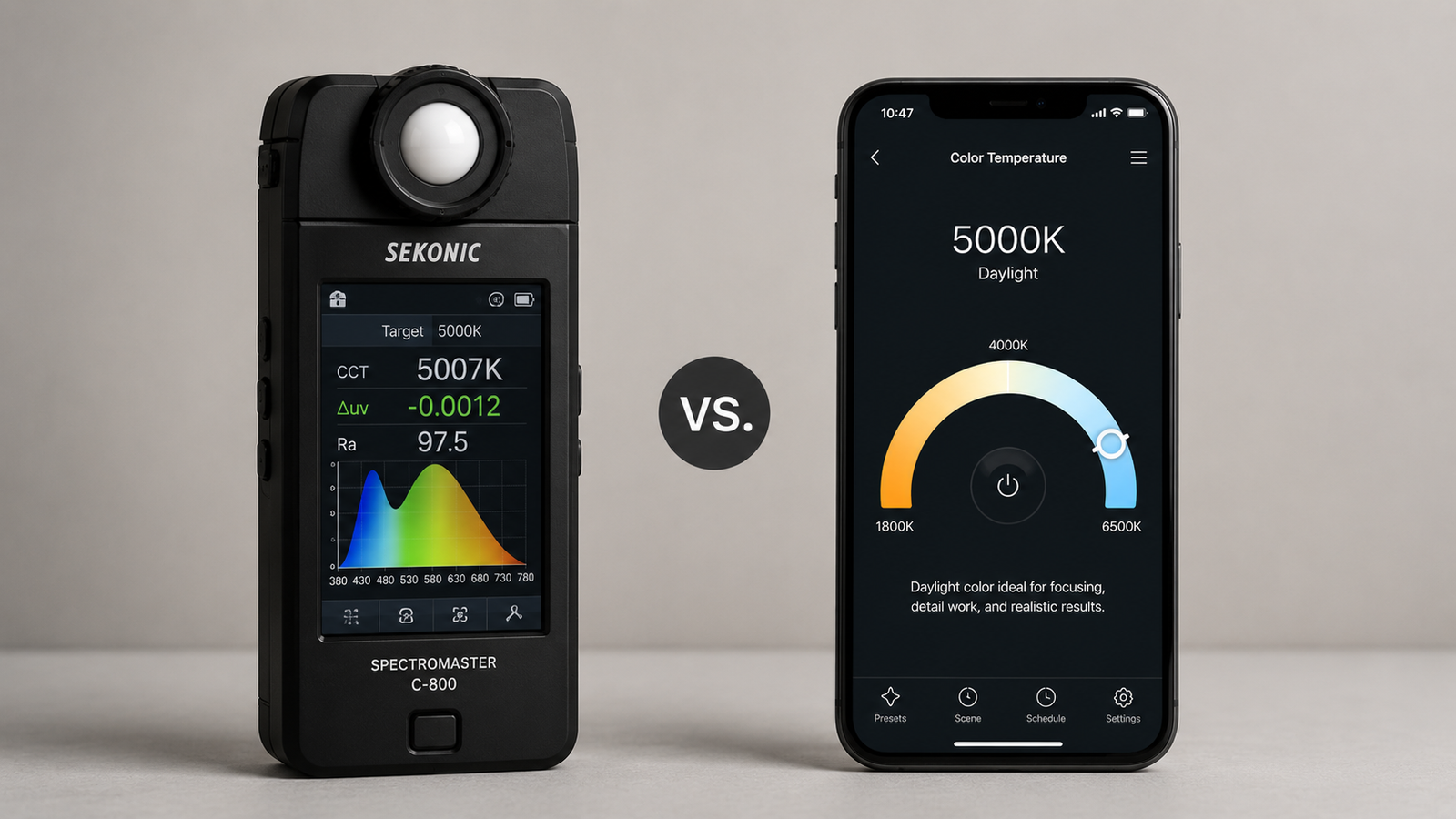
Color Temperature Meter App vs Hardware Meter: Which Do You Need?
If you need to know the color temperature of a light, you have two real options: a dedicated hardware color meter that can cost hundreds of dollars, or an app that runs on the phone already in your pocket. The honest answer to which is “better” depends entirely on what you do with the readings — and for most people, the app is more than enough.
This guide breaks down how each one works, where they genuinely differ on accuracy and cost, and who actually needs the hardware. By the end you will know which fits your work. If you want to test the app side of the comparison yourself, you can try Kelvin Light Scale on the App Store for free.
📲 Try the app before you spend on hardware
Kelvin Light Scale reads color temperature, lux, and exposure from your camera for free. See if it covers your needs before investing in a dedicated meter.
What a hardware color meter is
A hardware color meter is a purpose-built instrument with dedicated optical sensors calibrated specifically to measure color temperature, tint, and often full spectral data. Professional models read the light source directly, are factory-calibrated to tight tolerances, and deliver lab-grade consistency. They are the standard tool on film sets and in lighting labs — and they are priced accordingly, typically from a few hundred to well over a thousand dollars.
Their strength is precision and repeatability. Their weakness is everything else: cost, the fact that it is one more device to buy, carry, charge, and maintain, and that a basic model often measures only color while you still need a separate meter for lux. By contrast, the app approach bundles several readings into one tool you already own.
What a color temperature app is and how it works
A color-temperature app uses your phone's camera as a sensor. It analyzes the live image, reads the balance of red, green, and blue light, and calculates the correlated color temperature (CCT) from that data — the same underlying principle photographers have used for years with gray cards and editing software. Good apps add lux, exposure, tint, and calibration so one tool covers most measuring tasks.
Because it runs on hardware you already carry, the app is free or inexpensive, always available, and quick. The trade-off is that a phone camera is a general-purpose sensor, not a calibrated instrument, so accuracy depends on technique and calibration. With correct method, though, you can get genuinely useful readings for nearly everything outside color-critical professional work.
Accuracy: the honest comparison
Let's be straight about this. A factory-calibrated hardware meter is more accurate than a phone, full stop. For applications where being off by a couple hundred Kelvin or a slight tint error has real consequences — matching multiple cameras on a film, calibrating broadcast displays, scientific measurement — the hardware is the correct tool.
But for the things most people actually do — matching household bulbs, lighting a room, setting up interview or product video, checking a screen, confirming plant or workspace lighting — a well-used app lands close enough that the difference does not change your decision. The key is technique: measure off a neutral white or gray surface, calibrate the app, and average a few readings. Do that and the app's accuracy is reliable for the job.
💡 Pro tip
The biggest accuracy gap is usually technique, not hardware. A hardware meter used carelessly and an app used correctly can land closer together than you'd expect. Always measure reflected light off a neutral surface, never point straight at the source.
Cost comparison
| Color Temperature App | Hardware Meter | |
|---|---|---|
| Up-front cost | Free to a few dollars | $200–$1,500+ |
| Extra device to carry | No — uses your phone | Yes |
| Lux + exposure included | Usually yes, in one app | Often a separate meter |
| Ongoing maintenance | App updates | Periodic recalibration |
Side-by-side summary
| Factor | App | Hardware |
|---|---|---|
| Precision | Good for everyday use | Lab-grade |
| Convenience | Always in your pocket | Must carry it |
| Cost | Free / low | High |
| Speed | Instant | Instant |
| Best audience | Hobbyists, creators, home, prosumers | Film, broadcast, scientific |
Who should use a hardware meter
Choose hardware if color accuracy is mission-critical and errors cost money: feature film and high-end commercial production where multiple cameras and lights must match exactly, broadcast and display calibration to standards, scientific or industrial measurement, and color-critical print work. In these fields the price is trivial next to the cost of getting color wrong.
Who should use an app
Choose an app if you are a photographer or videographer who needs reliable readings without lugging extra gear, a content creator setting up consistent lighting, a homeowner matching bulbs or planning a room, an office manager checking workspace lighting, or anyone who wants color temperature and lux in one free tool. That covers the overwhelming majority of people who ever ask “what Kelvin is this light?” You can cover all of those needs with one download.
✅ The verdict
Buy a hardware meter only if certified precision is essential to your work. For everyone else — which is most people — a color-temperature app is faster, cheaper, always with you, and accurate enough. Start with the app; upgrade to hardware only if you hit its limits.
The smartest move is to start free. Use the app, see whether it meets your needs in practice, and only invest in a hardware meter if your work genuinely demands more. You can begin measuring today at no cost.
The free way to read any light
Kelvin Light Scale measures color temperature, lux, and exposure from your iPhone — no extra hardware to buy. Free to start, with calibration and pro metrics when you need them.
Frequently asked questions
Are color temperature apps accurate compared to hardware meters?
A factory-calibrated hardware meter is more accurate, but a good app is accurate enough for everyday tasks like matching bulbs, lighting rooms, photography, and screen checks — especially when you calibrate it and measure off a neutral surface. The gap only matters for color-critical professional work.
Is it worth buying a hardware color meter?
It is worth it if you work in film, broadcast, scientific measurement, or color-critical printing where precision directly affects results. For hobbyists, content creators, and home use, the cost is hard to justify when a free app covers the same everyday needs.
How does a phone app measure color temperature?
It uses the camera as a sensor, analyzing the balance of red, green, and blue light in the scene and calculating the correlated color temperature from it. Many apps also report lux, exposure, and tint, and allow calibration to improve accuracy.
What is the main advantage of an app over a hardware meter?
Convenience and cost. The app is free or inexpensive, always in your pocket, instant to use, and often combines color temperature, lux, and exposure in a single tool — whereas hardware is expensive, single-purpose, and one more device to carry.
Can an app replace a professional color meter on a film set?
For high-end production where multiple cameras and lights must match precisely, no — a calibrated meter is the standard. For smaller shoots, interviews, and run-and-gun work, an app is often perfectly adequate.
Do I need to calibrate a color temperature app?
Calibration is not always required, but it improves accuracy by aligning the app's readings to a known reference. If you want the most reliable results, calibrate against a neutral surface under a known light source.
color temperature meter app vs hardware metercolor temperature app accuracyhardware color meter costis a color meter worth itphone light meter vs hardwarebest color temperature meterkelvin meter appcolor meter alternatives