CNC Chatter & Machine Vibration: Causes & Fixes

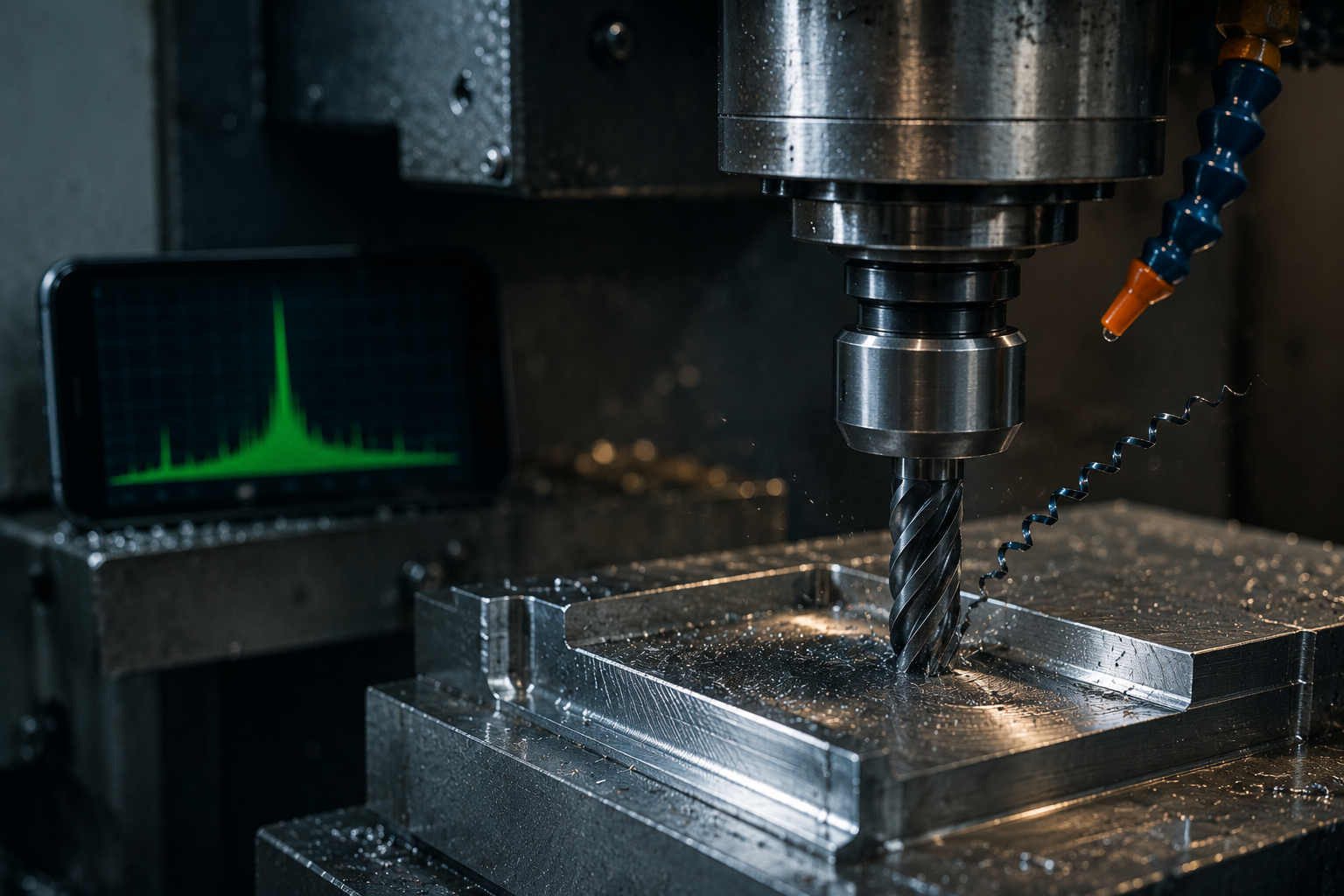
CNC Chatter & Machine Vibration: Causes, Detection and How to Measure It
Chatter is the machinist’s nemesis: that screeching, self-feeding vibration between tool and workpiece that leaves a rippled finish, shortens tool life, and hammers your spindle bearings. Eliminating it comes down to understanding why it starts and recognising when it does. A phone can genuinely help with the second part — detecting when chatter kicks in and monitoring your spindle’s health — though, as we’ll cover honestly, it is not a chatter-frequency analyser.
This guide explains what causes chatter, how to stop it, and exactly where a phone fits into the picture. To start monitoring your machine’s vibration, the free Vibration Detector Sensor app reads live vibration straight from your phone.
Catch chatter the moment it starts
Set your phone on the machine and watch the vibration level jump the instant a cut goes unstable — the fast way to find which conditions trigger chatter.
What is chatter, and why does it happen?
Chatter is self-excited vibration. As the tool cuts, it leaves a slightly wavy surface; on the next pass the tool re-cuts that wavy surface, which forces it to vibrate even more, which deepens the waves — a runaway feedback loop known as regenerative chatter. It takes hold when the cutting conditions line up badly with the natural frequency of the most flexible part of the system, usually the tool, spindle or a slender workpiece.
The main drivers are low system rigidity, excessive depth of cut for the chosen spindle speed, long tool overhang, and worn spindle bearings. Because a worn spindle quietly raises baseline vibration and makes chatter more likely, keeping an eye on spindle vibration with the accelerometer tool is a useful early-warning habit.
The cost of chatter
Chatter is not just noise. It leaves the tell-tale rippled or scalloped surface finish that scraps parts, it chips and prematurely wears cutting edges, and over time the repeated impacts degrade spindle bearings and reduce machine accuracy. Catching the onset early — before a whole batch is ruined — is worth real money, and a quick vibration check with the sensor app flags the spike immediately.
How to fix chatter
Most chatter responds to one of these adjustments:
- Change the spindle speed. Stability is speed-dependent — certain speeds are stable and others are not. Often a modest increase (or decrease) drops you into a stable zone and the chatter simply stops.
- Reduce the depth or width of cut. Lowering the engagement pulls you back below the stability threshold.
- Increase rigidity. Shorten tool overhang, use a larger shank or a stub tool, and clamp the workpiece more securely.
- Vary the approach. Climb vs. conventional milling, a different tool geometry, or variable-helix end mills can all break the regenerative loop.
Advanced shops build a stability lobe diagram — a map of stable vs. unstable speed/depth combinations — using a tap test to find the structure’s natural frequencies. That requires proper instrumentation, but for day-to-day work, the speed and depth adjustments above resolve most cases. You can confirm which settings actually calmed the machine by watching the level on the vibration meter.
How a phone helps — and where it doesn’t
Being straight about this matters, because machinists know the difference. Here is the honest scope:
| A phone is good for | A phone can’t do |
|---|---|
| Detecting chatter onset (vibration spikes) | Resolving the actual chatter frequency |
| Comparing which cut settings are quieter | Building a precise stability lobe diagram |
| Trending spindle & bearing health (low freq) | High-frequency tool/bearing analysis |
| Spotting imbalance and looseness | Tap-test modal analysis |
The key limit: milling chatter typically occurs at hundreds to thousands of hertz, while a phone reliably measures up to about 50 Hz. So a phone cannot tell you the chatter frequency — for that you need a high-rate accelerometer or a microphone. What a phone can do is show the dramatic jump in overall vibration when a cut goes unstable, which is enough to identify and avoid the conditions that trigger chatter. Capture that with the app.
Measuring spindle and machine vibration with your phone
Where a phone earns its keep on a CNC machine is low-frequency health monitoring. Place it firmly on the spindle housing or machine structure and read the overall RMS vibration: a healthy spindle is smooth, and a rising baseline over weeks signals bearing wear or imbalance long before it causes scrap. The dominant low-frequency peak can also reveal a tool-holder imbalance or a looseness problem. Track it the same way each time with the vibration meter.
Trending spindle bearing health
The single most valuable routine is a monthly spindle vibration check at a fixed RPM with no cut, logged over time. Spindle bearings fail gradually, and a steady climb from a known-good baseline is the clearest early warning you can get without dismantling anything. The Vibration Detector Sensor app stores each session and exports to CSV, turning those checks into a trend line that makes a developing problem obvious.
✓ Pro tip: When chatter starts, note the spindle speed and depth of cut, then nudge the RPM up by 10–15% and watch the vibration level on your phone. If it drops, you’ve found a stable speed — a fast, practical alternative to calculating a full stability lobe diagram.
Monitor your spindle, catch chatter early — free
Live RMS & peak vibration, session logging and CSV export. Find stable cutting conditions and track spindle health from your phone.
► Get Vibration Detector Sensor on the App Store | Explore the app →
Note: A phone accelerometer is suited to detecting chatter onset and trending low-frequency spindle and machine vibration, but it cannot resolve high-frequency chatter frequencies. For modal analysis or stability lobe work, use a dedicated high-rate accelerometer or microphone.
Frequently Asked Questions
What causes chatter in CNC machining?
Chatter is self-excited regenerative vibration: the tool re-cuts the wavy surface left by the previous pass, amplifying the vibration in a feedback loop. It is triggered by low rigidity, too great a depth of cut for the spindle speed, long tool overhang, and worn spindle bearings, especially when cutting conditions align with a natural frequency of the system.
How do I stop CNC chatter?
Try changing the spindle speed first — stability is speed-dependent, so a modest increase or decrease often lands you in a stable zone. You can also reduce depth of cut, shorten tool overhang, clamp the workpiece more rigidly, or switch to a variable-helix tool. Each helps break the regenerative loop.
Can a phone detect CNC chatter?
A phone can detect that chatter is occurring — the overall vibration level jumps sharply when a cut goes unstable — which is enough to identify and avoid the triggering conditions. It cannot measure the actual chatter frequency, because milling chatter usually occurs well above a phone’s usable frequency range.
What is the chatter frequency in milling?
Milling chatter typically occurs at hundreds to thousands of hertz, close to the natural frequency of the tool, spindle or workpiece. Because of this high range, measuring it requires a high-rate accelerometer or a microphone rather than a phone, which is limited to roughly 50 Hz.
How do I measure CNC spindle vibration?
Press a phone or accelerometer firmly against the spindle housing while the spindle runs at a fixed speed with no cut, and read the overall RMS vibration. Take the reading the same way each time and log it, so you can track the spindle’s health against its baseline over weeks and months.
What does chatter do to a tool and spindle?
Chatter leaves a rippled, scrap-grade surface finish, chips and prematurely wears cutting edges, and over time the repeated impacts damage spindle bearings and reduce machine accuracy. Catching the onset early prevents both ruined parts and accelerated machine wear.
cnc chattermachine vibration cnchow to stop chatter millingcnc spindle vibrationregenerative chatter causeschatter frequency millingmeasure cnc vibration phonespindle bearing health monitoring