Ceiling Fan Wobble: How to Measure and Fix It

Ceiling Fan Wobble: How to Measure and Fix It
A wobbling ceiling fan is unsettling to watch, but in most cases it is a balance problem rather than a sign the fan is about to come down. Still, a wobble is worth fixing: it loosens screws over time, stresses the mounting, and the underlying imbalance shortens the motor’s life. The fix is usually quick once you know what is causing it.
This guide explains why ceiling fans wobble, whether it is dangerous, and how to measure the wobble objectively — a ceiling fan’s slow speed actually makes it an ideal candidate for phone-based vibration measurement. To check yours, the free Vibration Detector Sensor app reads the vibration straight from your phone.
Measure the wobble, not just eyeball it
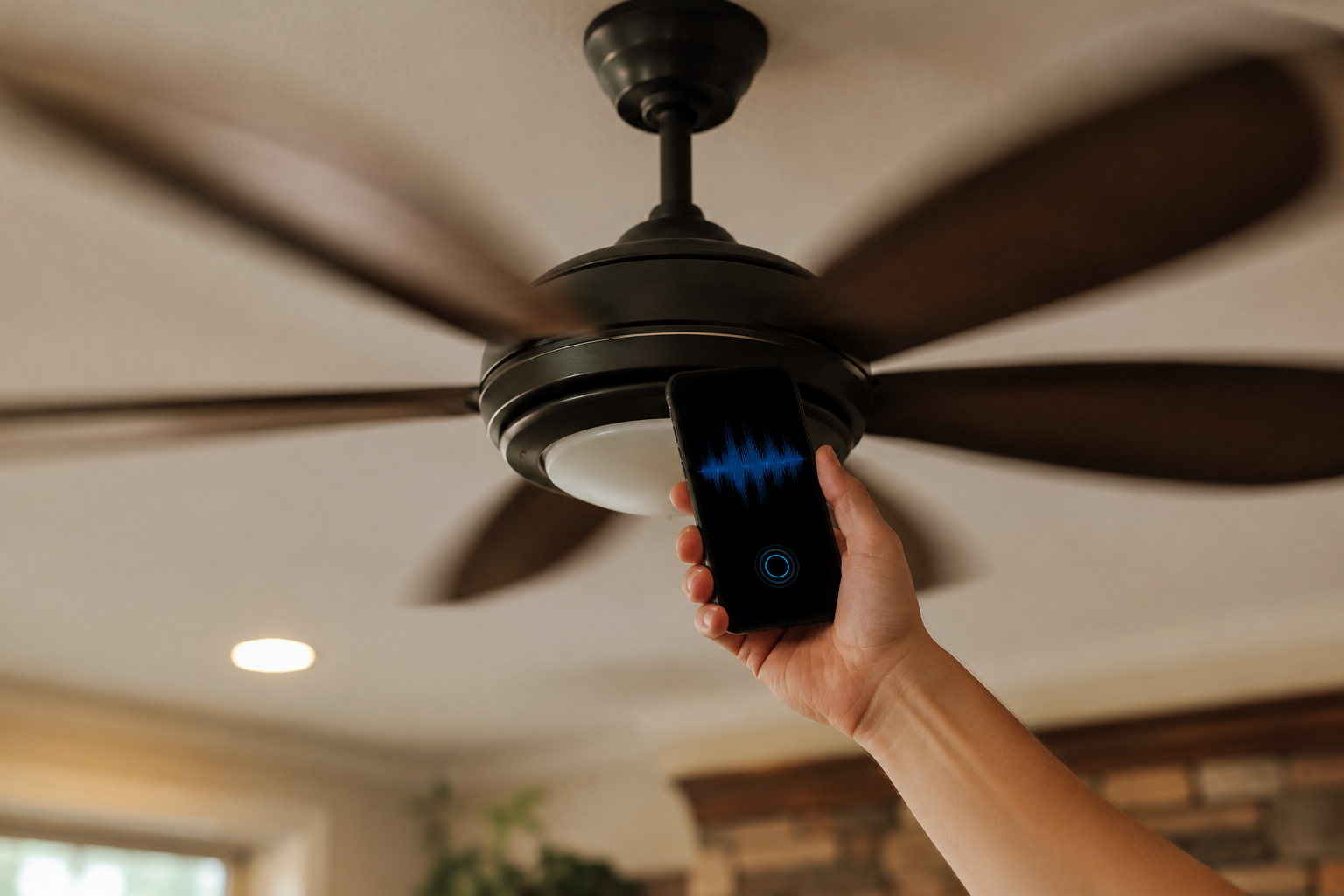
Hold your phone to the fan’s mounting or housing and read the vibration level — then watch it drop as you balance the blades.
Why does my ceiling fan wobble?
| Cause | Tell-tale sign |
|---|---|
| Unbalanced blades (dust or warping) | Wobble worse at high speed |
| Loose screws (blades or holders) | Rattle plus wobble |
| Bent blade holder / misaligned blade | One blade hangs at a different height |
| Loose mounting / outlet box | Whole fixture shakes, not just blades |
The most common cause is simple blade imbalance — uneven dust build-up, slightly warped blades, or one blade sitting a touch lower than the others. The quickest diagnostic is to read the vibration at low and high speed with the accelerometer tool: a wobble that worsens sharply with speed is classic imbalance.
Is a wobbling ceiling fan dangerous?
In the vast majority of cases, no — a properly installed fan will not fall just because it wobbles. The real risk is indirect: a persistent wobble can gradually loosen the mounting screws and the outlet box, which over a long time could lead to the fixture working loose. So while you do not need to panic, you should not ignore it either. The one thing to verify is that the fan is mounted to a proper fan-rated outlet box; if the entire fixture shakes (not just the blades), have the mounting checked. Measuring the housing vibration with the app helps you tell blade wobble from a loose mount.
How to measure ceiling fan wobble
Because ceiling fans turn slowly, their vibration sits comfortably within a phone’s measurement range — making this one of the best phone vibration jobs there is. With the fan running, hold your phone against the lower housing or the downrod mount and read the vibration level at each speed setting. Note the readings, make a balance adjustment, then measure again; the goal is to drive the number as low as possible. The vibration meter turns “looks a bit better” into an objective before-and-after.
How to fix ceiling fan wobble
- Clean the blades. Wipe off uneven dust — sometimes that alone rebalances the fan.
- Tighten everything. Snug the screws holding each blade to its holder, and the holders to the motor.
- Check blade alignment. Measure each blade tip’s distance from the ceiling; if one differs, gently adjust the holder or check for a warped blade.
- Use a balancing kit. The clip-and-weight kit included with most fans pinpoints the heavy blade — move the clip until the wobble is gone, then stick on the weight.
- Verify the mount. Confirm the fan is on a fan-rated box and the downrod ball is seated properly.
✓ Pro tip: When using the balancing clip, measure the vibration at each test position instead of judging by eye. The position that gives the lowest reading is the heavy blade — this makes the trial-and-error far faster and more precise.
Balance your fan the precise way — free
Live vibration readings at each speed and balance position, with before/after comparison — the fastest way to kill a wobble, from your phone.
► Get Vibration Detector Sensor on the App Store | Explore the app →
Note: A phone accelerometer is well suited to measuring and balancing ceiling fan wobble. If the entire fixture shakes or the mounting feels loose, switch off the fan and have the electrical box and mount inspected by a qualified electrician.
Frequently Asked Questions
Why does my ceiling fan wobble?
The most common cause is blade imbalance from uneven dust, slightly warped blades, or one blade hanging lower than the others. Loose blade screws, a bent blade holder, or a loose mounting box can also cause wobble. A wobble that worsens with speed usually points to imbalance.
Is a wobbling ceiling fan dangerous?
Usually not — a correctly installed fan will not fall simply because it wobbles. The concern is that ongoing wobble can slowly loosen the screws and mounting box, so it is worth fixing. If the whole fixture shakes rather than just the blades, have the mount checked.
Can a ceiling fan fall from wobbling?
It is rare, and only a real risk if the fan was improperly installed or mounted to a box that is not fan-rated. A persistent wobble can gradually loosen fasteners, which is why fixing the balance and verifying the mounting is recommended even though immediate falling is unlikely.
How do I balance a wobbling ceiling fan?
Clean the blades, tighten all screws, and check that each blade tip is the same distance from the ceiling. Then use the balancing kit’s clip and weight to find and correct the heavy blade. Measuring the vibration at each step makes finding the lowest-wobble position much faster.
How much ceiling fan wobble is normal?
A very slight wobble of a few millimetres at the blade tips is generally considered acceptable. A pronounced, easily visible wobble, or one accompanied by rattling, indicates an imbalance or loose component that should be corrected.
Can I measure ceiling fan vibration with my phone?
Yes, and it works particularly well. Because ceiling fans turn slowly, their vibration falls well within a phone accelerometer’s range, so holding your phone to the housing gives a reliable reading you can use to balance the fan and confirm the wobble is gone.
ceiling fan wobblewhy does my ceiling fan wobbleis a wobbling ceiling fan dangerousbalance ceiling fanceiling fan wobble fixceiling fan balancing kitmeasure ceiling fan vibrationceiling fan shaking