Amazon Flex Route Planner: Optimize Your Route 2026

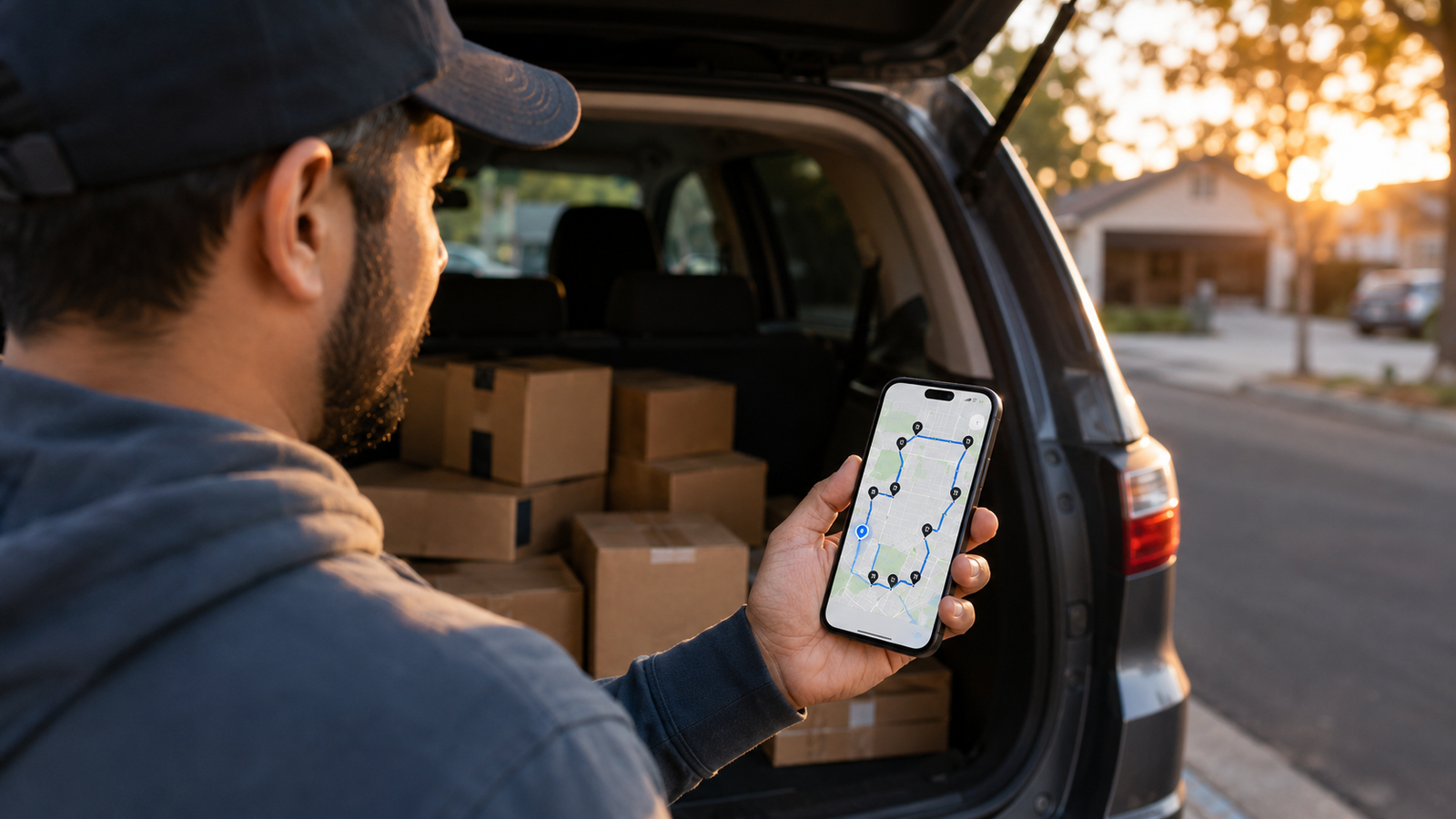
Amazon Flex Route Planner: How to Optimize Your Flex Route (2026)
If you drive Amazon Flex, you already know the feeling: you open your block, look at the order Amazon gave you, and think "that can't be right." The app sends you across town and back, drops a stop two streets from your house at position 12 instead of last, and leaves you finishing your block 30 minutes from home. Amazon hands every driver a route order it calls optimal — but "optimal" for Amazon's system rarely matches what's actually efficient in your city, your neighborhood, at the time of day you're driving.
The fix that experienced Flex drivers use is simple: run your own route planner alongside the Flex app. You capture your stops, optimize the order yourself, set your route to end near home, and navigate with the maps app you already trust. This guide walks through exactly how to do that — and, just as importantly, how to do it without putting your Flex account at risk. Current for 2026.
Stop driving Amazon's route. Drive yours.
Delivery Route Planner re-sequences your whole block in seconds, lets you set your end point to home, and opens each stop in Apple Maps, Google Maps, or Waze. Scan addresses off your packages or enter them — no Amazon login required.
Does Amazon Flex optimize your route?
Amazon does give you a suggested stop order with every block, and the Flex app provides navigation. So in a narrow sense, yes — there is a route. The problem is the quality of that order. Amazon's system optimizes at massive scale across thousands of routes, which means it cannot account for the local realities you live every day: the one-way streets in your area, the apartment complex that takes ten minutes to walk, the rush-hour bridge you should hit first, or the simple goal of ending up close to home.
The result is the backtracking and zig-zagging every Flex driver recognizes. A smarter order — one built around your conditions — routinely saves 20 to 40 minutes per block. That is exactly what a dedicated Flex route planner is for.
Why the Amazon Flex route order is often inefficient
It helps to understand why the default order disappoints so often:
- It's built for averages, not your block. Amazon's routing solves a huge optimization problem at scale; the order you get is a generalized solution, not one tuned to your van or your driving.
- It doesn't know your goals. The Flex app has no idea you want to finish near home or hit a time-sensitive stop first.
- It struggles with dense clusters. Apartment complexes, gated communities, and tightly packed streets are exactly where the default order tends to send you back and forth.
- It can't adapt to the clock. Traffic at 9am and 5pm are different problems, and the static order rarely reflects when you're actually on the road.
None of this is a knock on Amazon — it is just the limit of optimizing millions of routes centrally. The driver on the ground, armed with a route optimizer, can almost always do better for their specific block.
Can you reorder your Amazon Flex route?
You can adjust your route within the Flex app to a degree, but it is manual and clunky — fine for nudging one stop, painful for re-sequencing fifty. There is no "optimize" button inside Flex that will rebuild the whole order for efficiency or for finishing near home. That is the gap a third-party planner fills: it does the heavy re-sequencing in seconds, and you simply follow the new order while still confirming deliveries in the Flex app as normal.
How to optimize your Amazon Flex route (step by step)
Here is the workflow thousands of Flex drivers use to turn a messy block into a clean, fast route:
- Capture your stops. Scan the address straight off each package label with your phone camera, or type and paste your addresses in. A good planner lets you add stops in seconds.
- Optimize the order. Let the app re-sequence every stop for the shortest time (using live traffic) or shortest distance to save fuel.
- Set your end point to home. Tell the planner where you want to finish so the route ends close to where you live, not across the city.
- Navigate one tap at a time. Open each stop in Apple Maps, Google Maps, or Waze, deliver, mark it done, and move to the next.
The whole setup takes a couple of minutes at the start of your block and pays you back many times over. You can try the workflow free on your next route.
Protect your account: Only use a route planner that you feed manually — one where you scan or enter your own stops. Never use any tool that asks for your Amazon login, connects to your Flex account, or auto-grabs blocks. Those violate Amazon's terms and can get your account deactivated. A standalone planner that never touches your Amazon credentials keeps you completely safe.
Delivery Route Planner is exactly that kind of standalone tool — it has no connection to Amazon at all. You bring your stops to it, it optimizes them, and you drive. You can read more about how it works here.
Finish your Flex block closer to home
This is the feature Flex drivers fall in love with. Because the default Amazon order has no idea where you live, it frequently leaves your last stop far from home — meaning a long, unpaid drive back at the end of an already long block.
A route planner with a custom end destination solves this directly. You set your home (or anywhere you want to end up) as the finish point, and the optimizer builds the entire sequence to land you there last. Over a week of blocks, cutting that dead-mileage drive home adds up to real time and fuel saved. It is one of the simplest wins in all of gig driving, and it is built into Delivery Route Planner.
Flex app alone vs Flex with a route planner
| What you need | Flex app alone | Flex + route planner |
|---|---|---|
| Stop order tuned to your area | Generic / often inefficient | Optimized for your block |
| Finish near home | No control | Set a custom end point |
| Re-sequence the whole route | Manual, one stop at a time | Automatic in seconds |
| Choose your nav app | Flex built-in | Apple, Google, or Waze |
| Account safety | N/A | Safe if fed manually |
The pattern is clear: keep delivering and confirming in the Flex app, but let a dedicated planner decide the order. That combination is what separates drivers who finish early from drivers who fight their route all day. You can put it to work on your next block.
Finish your block faster — and closer to home
Scan your stops, optimize the order, set home as your finish, and navigate with Apple Maps, Google Maps, or Waze. A standalone planner with no Amazon login, built for drivers who want their time back.
Frequently asked questions
Does Amazon Flex give you an optimized route?
Amazon provides a suggested stop order with every block, but it is optimized at scale rather than for your specific city, neighborhood, or time of day. Many drivers find it sends them backtracking and finishing far from home, which is why most run a third-party route planner alongside the Flex app for a better order.
Can you change the order of stops on Amazon Flex?
You can manually adjust your route within the Flex app, but it is slow and there is no built-in button to re-optimize the whole sequence. To efficiently re-sequence a full block, drivers capture their stops in a dedicated route planner, optimize there, and then follow that order while still confirming deliveries in the Flex app.
How do I finish my Amazon Flex block closer to home?
Use a route planner that supports a custom end destination. Set your home as the finish point, and the optimizer builds the entire route to end there, eliminating the long unpaid drive back that the default Amazon order often leaves you with.
Is it safe to use a third-party route planner for Amazon Flex?
It is safe as long as you use a standalone planner that you feed manually — one where you scan or enter your own stops and that never asks for your Amazon login. Avoid any tool that connects to your Flex account or auto-grabs blocks, as those violate Amazon's terms and can lead to deactivation.
How much time can a route planner save on a Flex block?
Experienced drivers commonly report saving 20 to 40 minutes per block by optimizing the stop order and finishing near home, plus reduced fuel costs from less backtracking. The exact savings depend on your block size and how inefficient the default order was.
How do I add my Flex stops to a route planner quickly?
The fastest way is to scan the address directly off each package label with your phone camera, which avoids typing. You can also enter or paste addresses manually. Once your stops are in, the planner optimizes the order and you navigate each one with Apple Maps, Google Maps, or Waze.
amazon flex route plannerhow to optimize amazon flex routefinish flex block closer to homereorder amazon flex stopsbest route planner for amazon flexamazon flex route optimizerflex driver route appamazon flex backtracking